
Product details
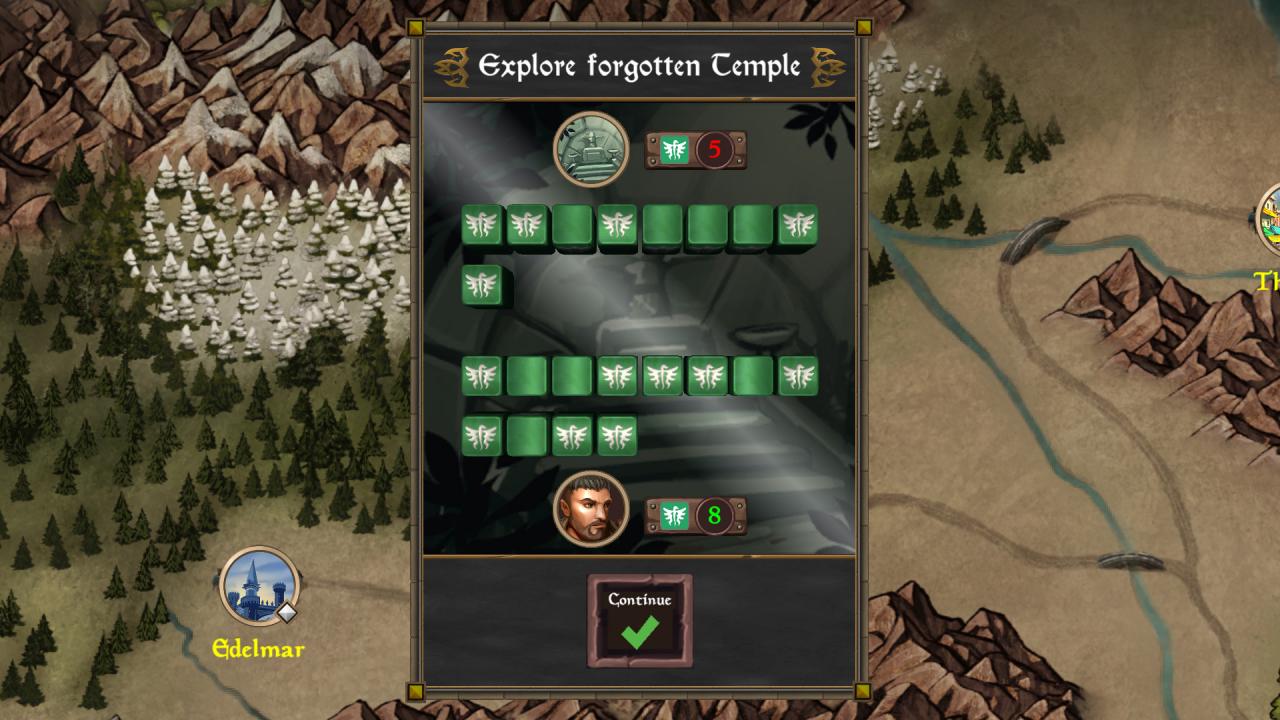
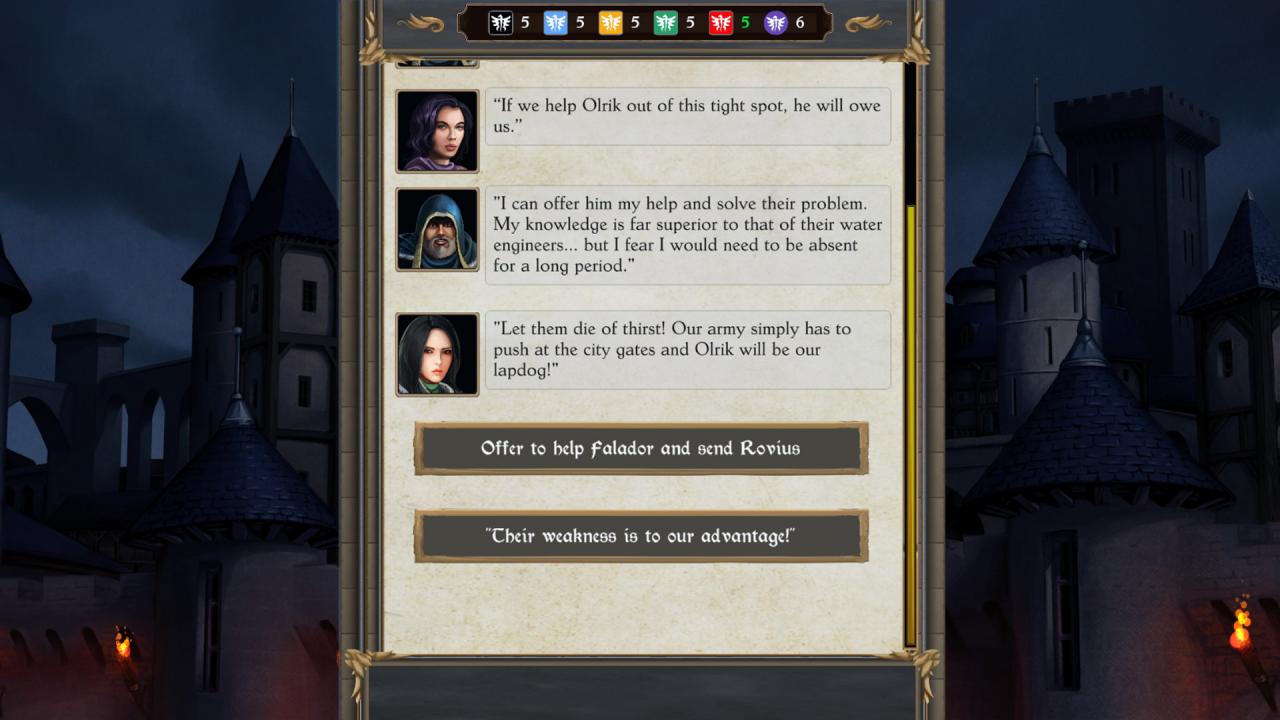
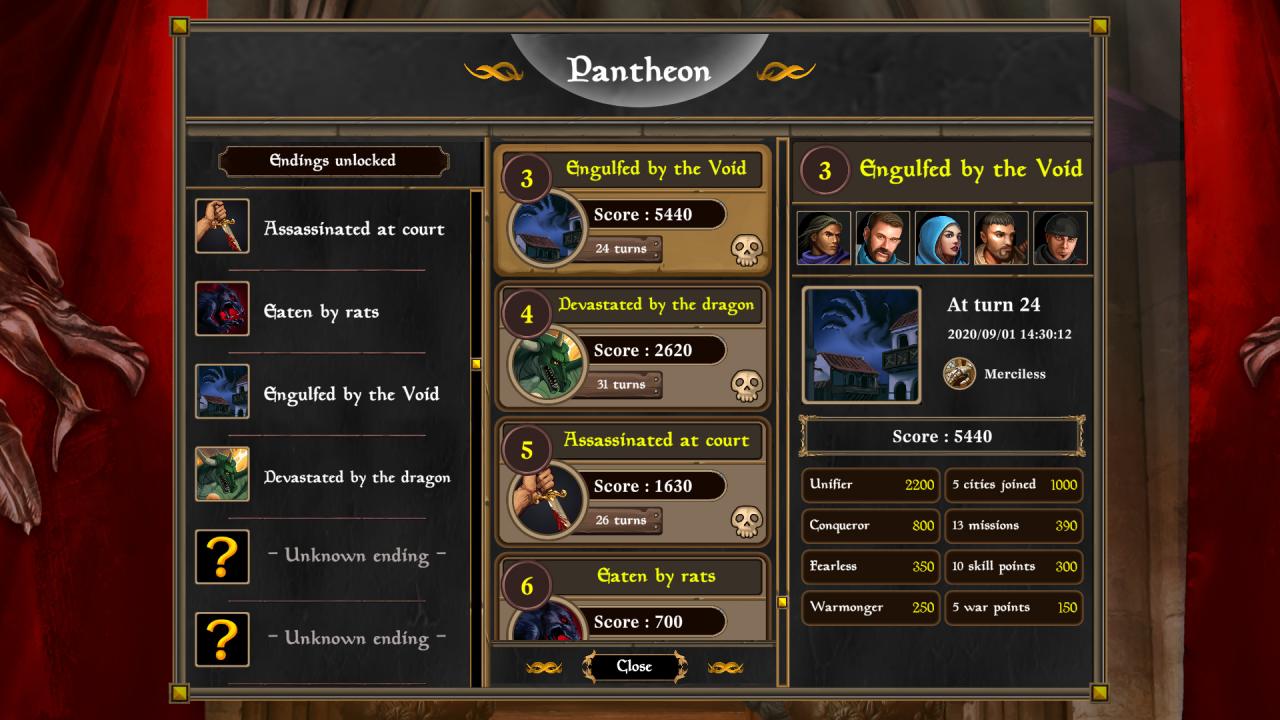
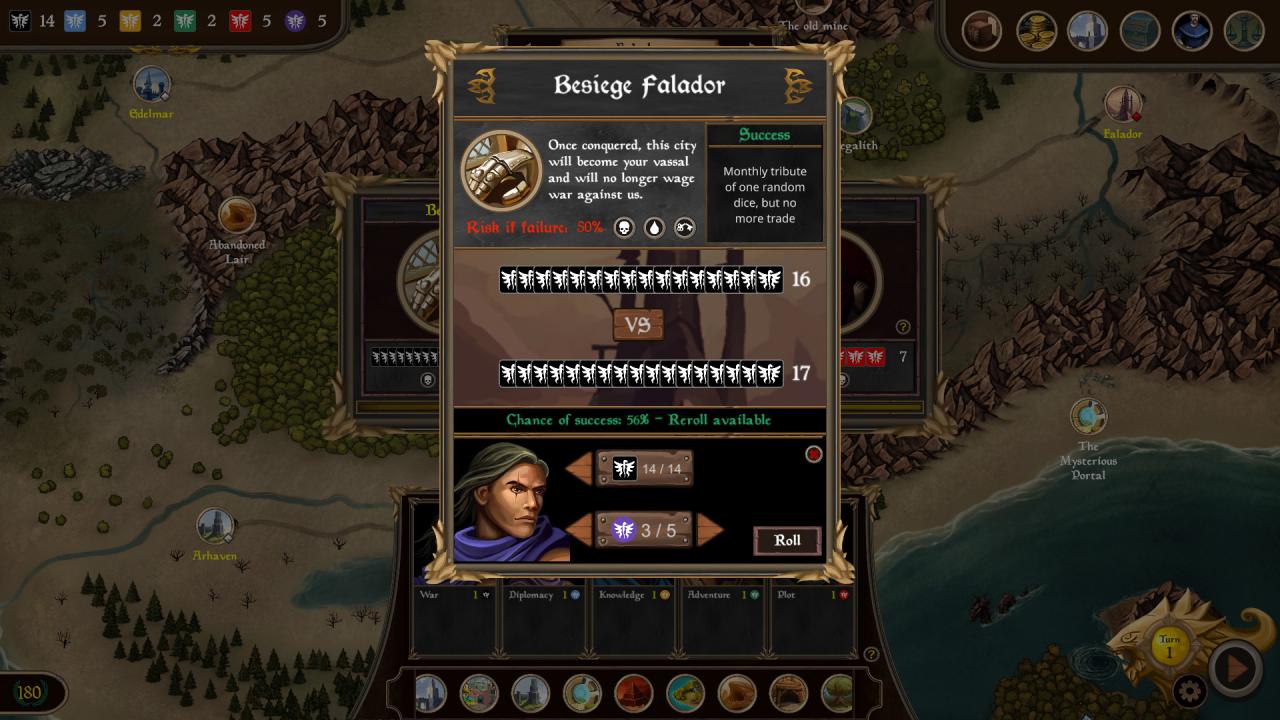
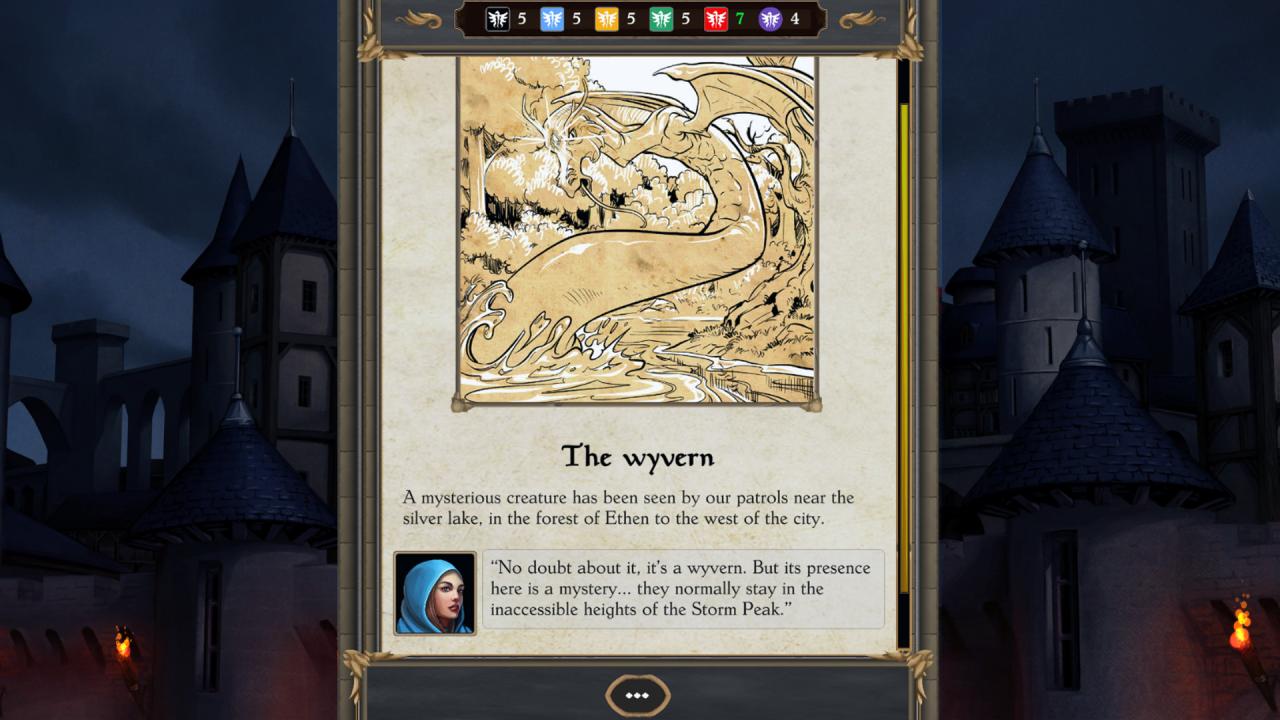
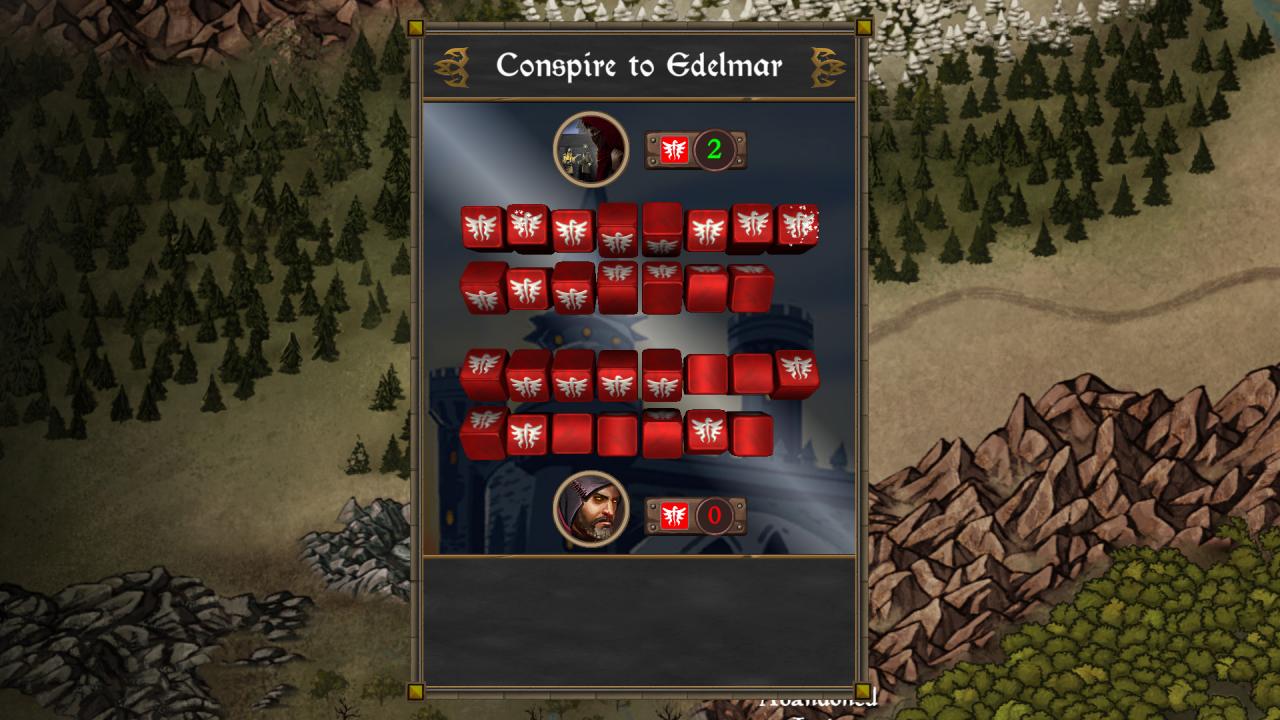
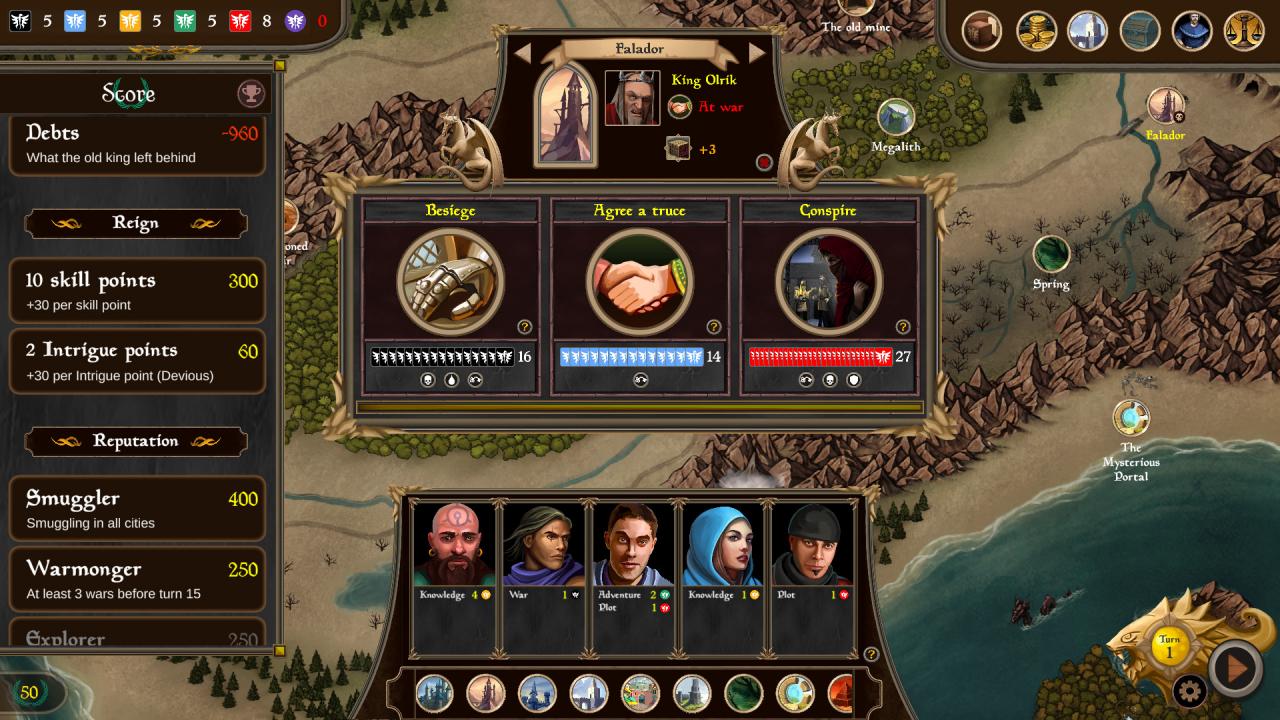
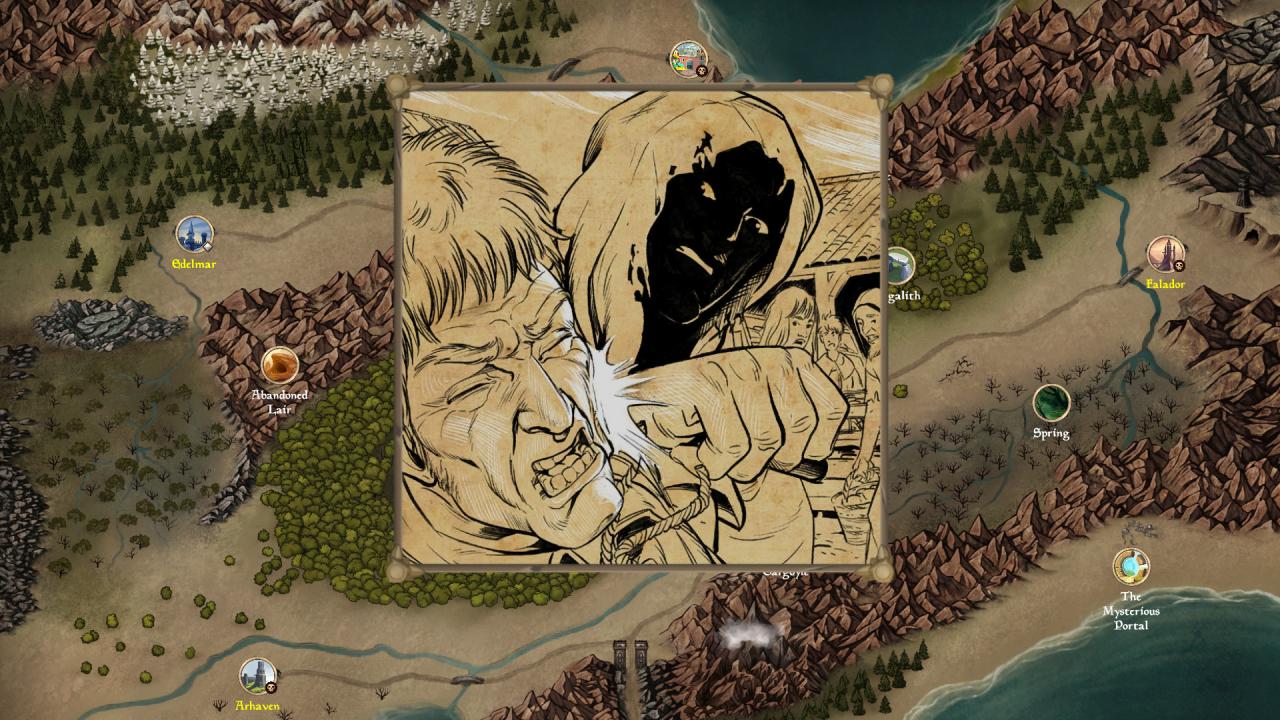
Roll the dice to rule them all!Take the helm of the fallen city of Thylla and restore the lost power of your kingdom by subduing the other monarchs in the valley. Choose and use your advisors wisely to gain action dice that you’ll use to wage war or form alliances, develop trade and explore the world, or spy on your enemies and conspire to overthrow the other rulers!Each new game features a different story packed with twists and turns. React to events and make the right decisions when fate thwarts your reign… and as you prepare to face the greatest threat the world has ever known! Features Manage your action dice and use your Fate points with care Recruit advisors, develop their skills, and send them on missions around the valley Dozens of interactive stories with unexpected twists Choose your destiny. Will you rule with an iron fist, or with peaceful diplomacy? Will you be bold or cunning? Resist your enemies, besiege their cities and make them your vassals Establish trade routes and smuggling rings Plot to overthrow opposing monarchs Use diplomacy to lead a great alliance Explore the world as you search for hidden treasure and forgotten artifacts A dark and merciless universe. Expect to lose your crown in any way possible, but always for good reason!