Product details
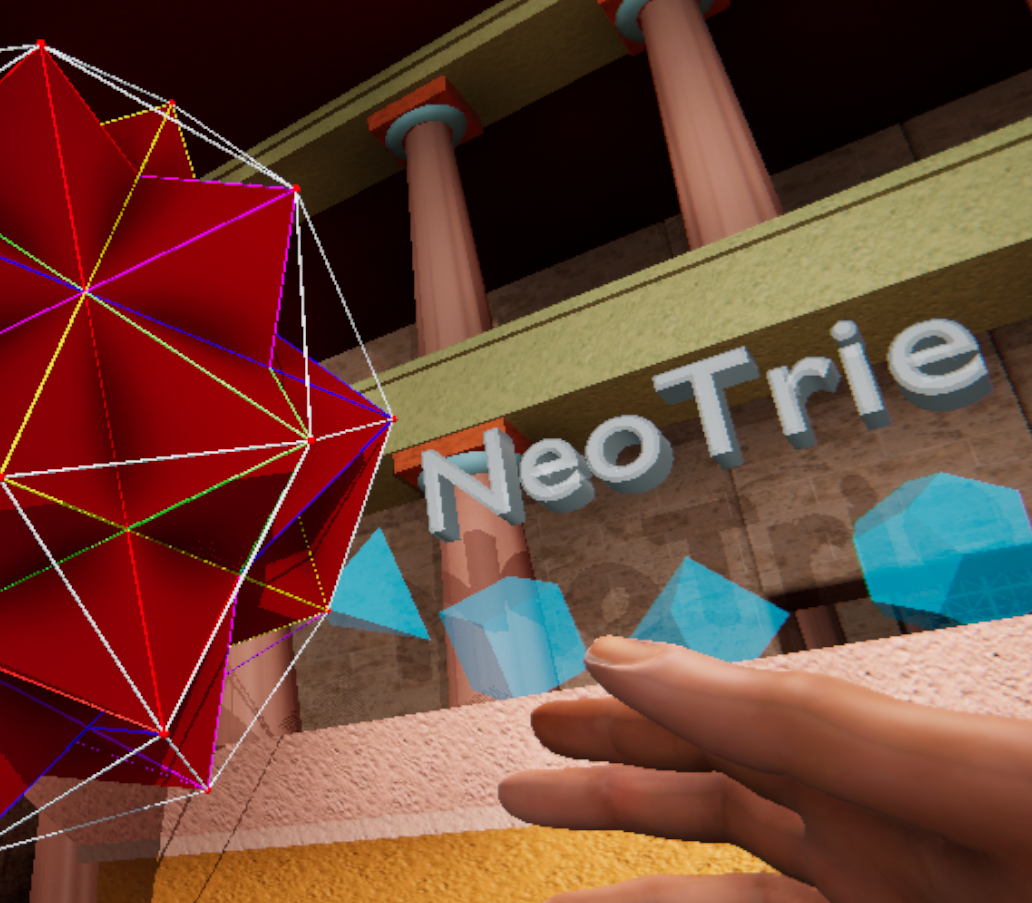
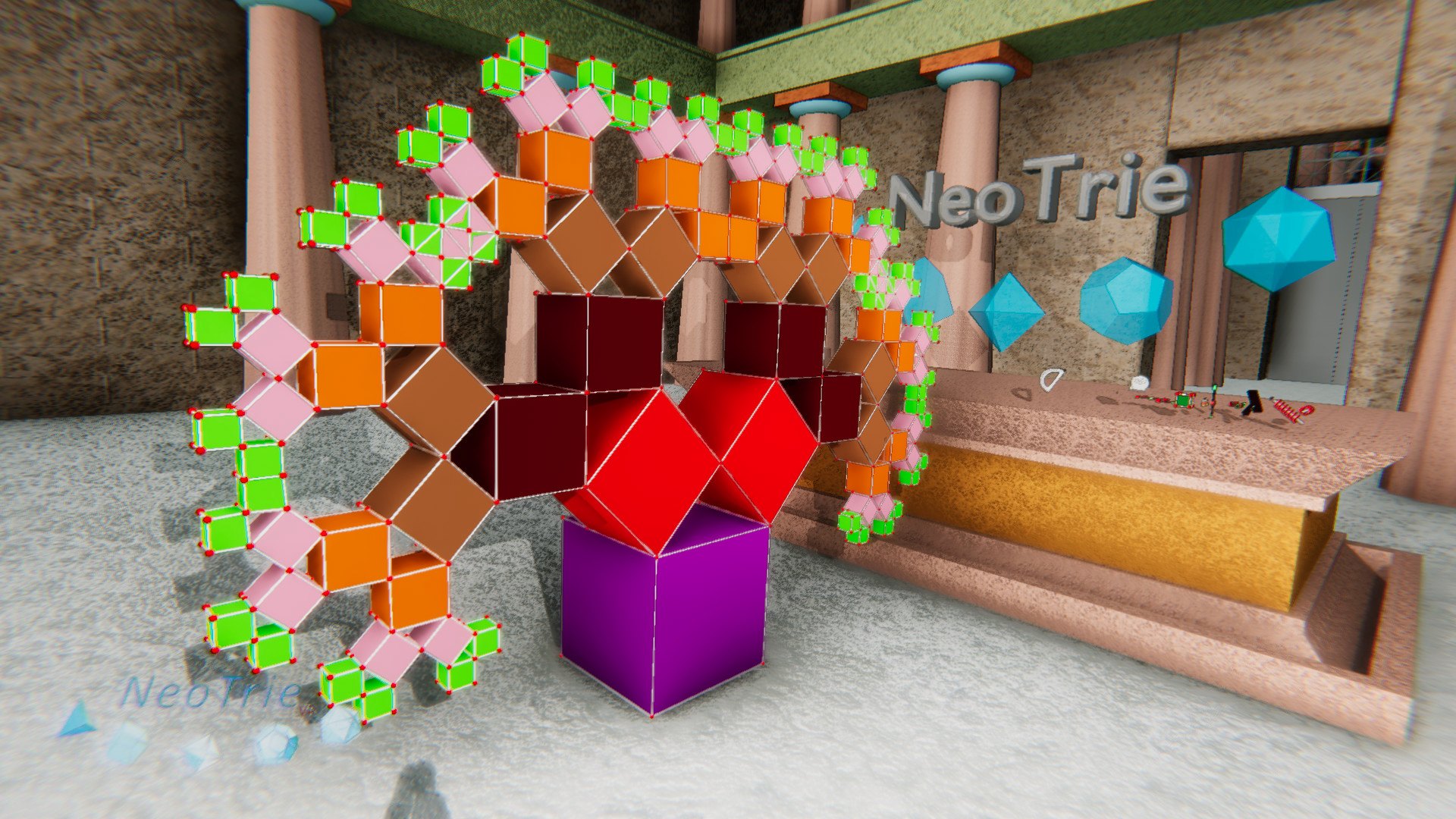
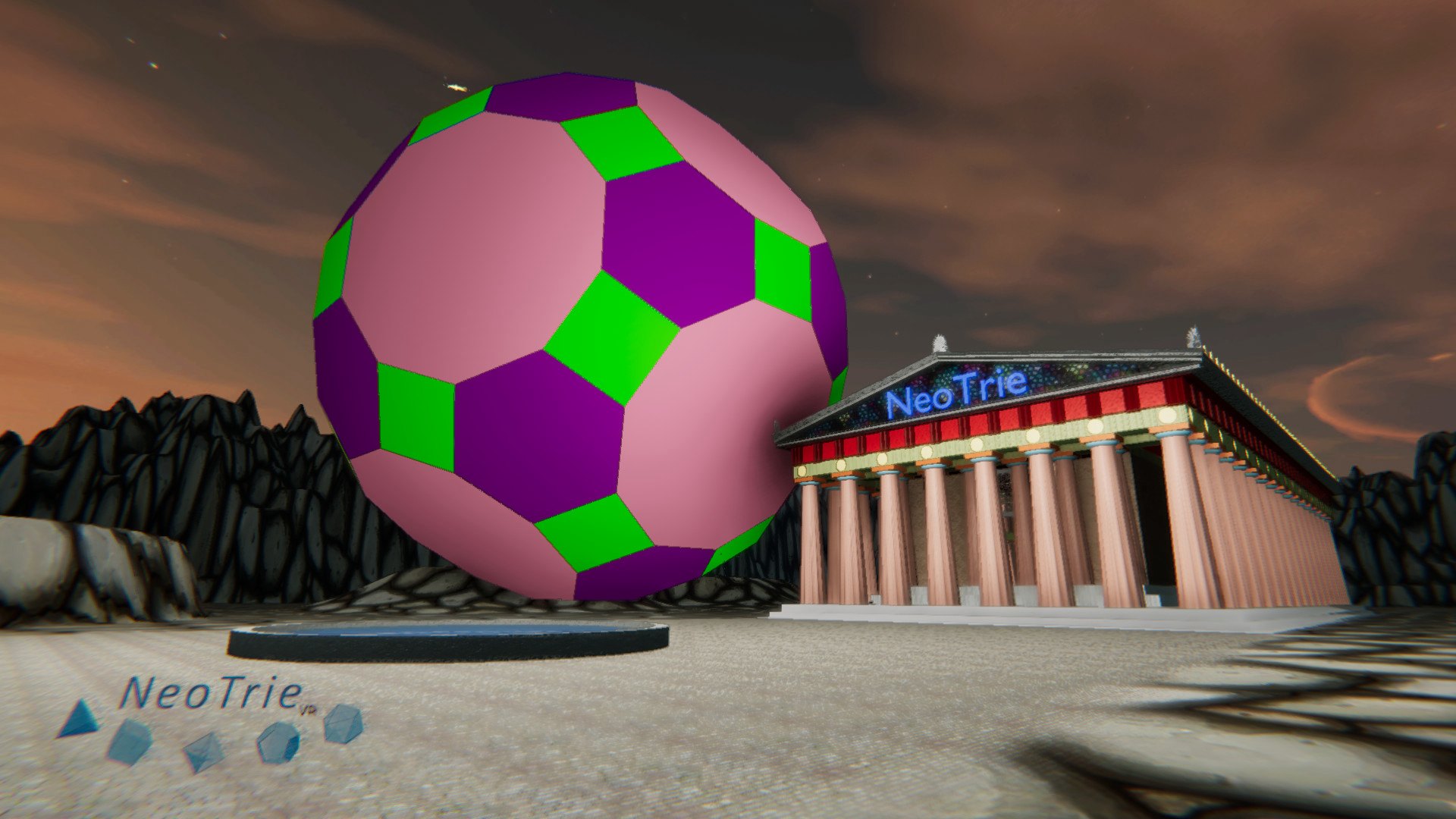
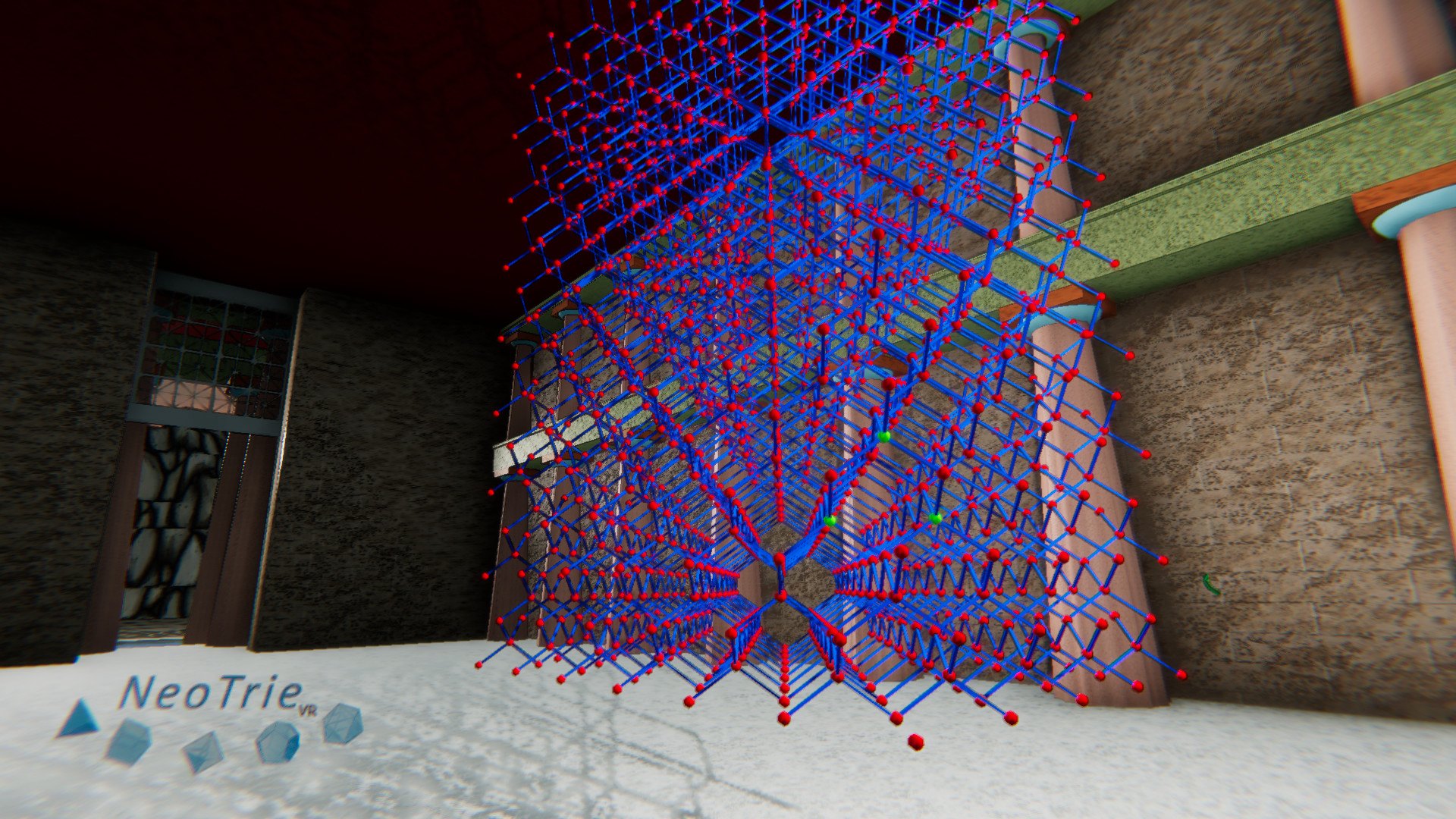
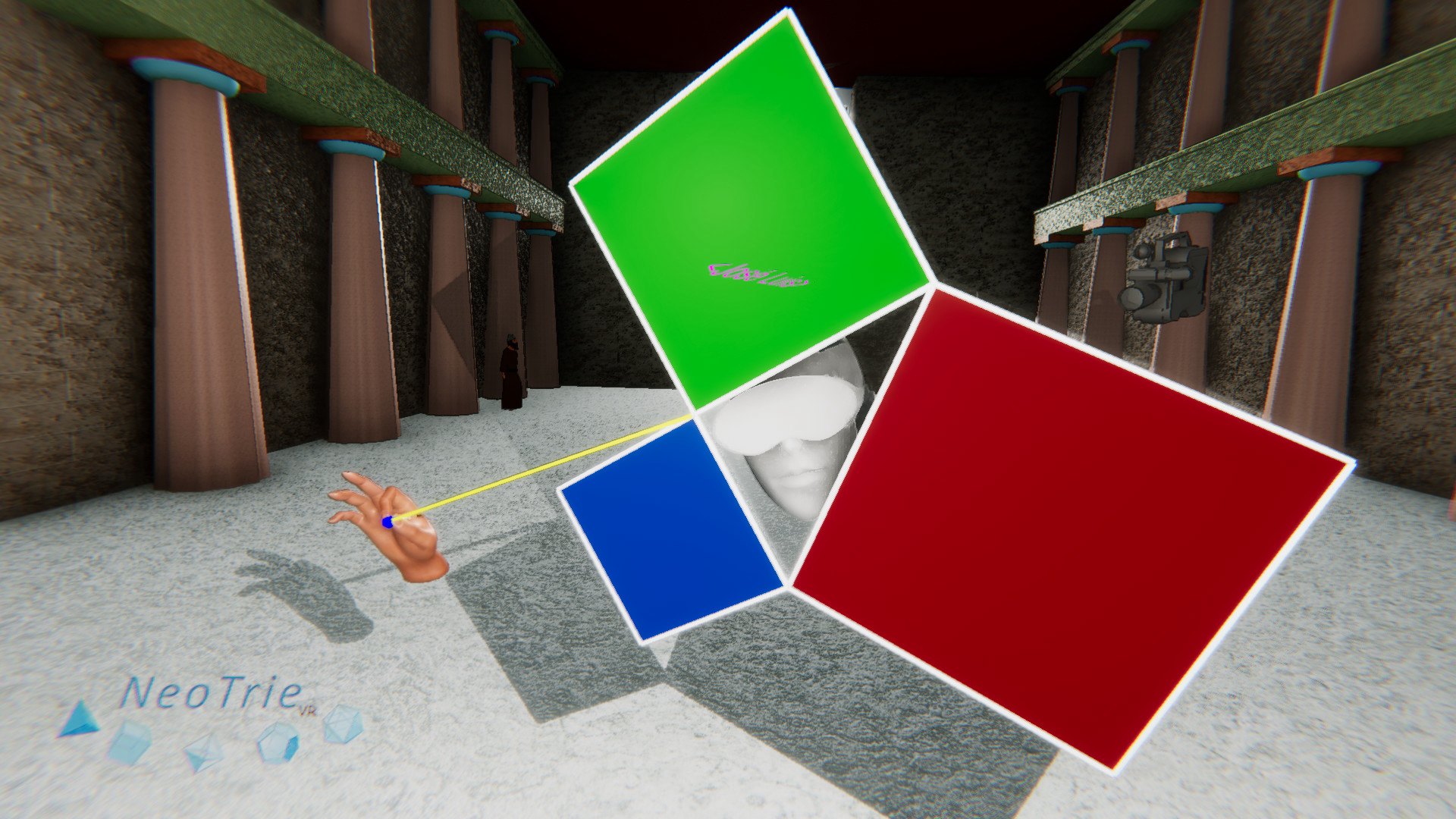
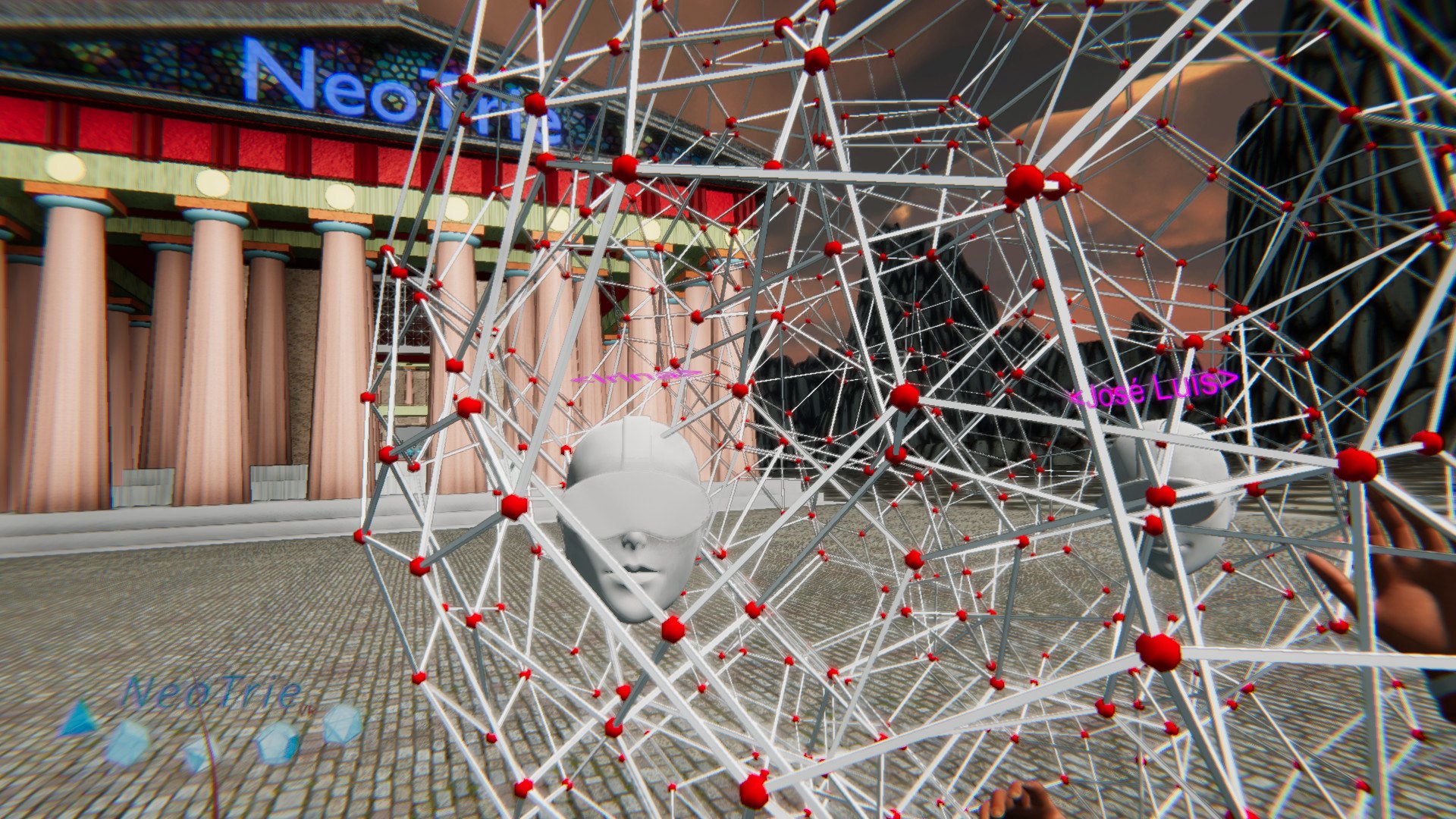
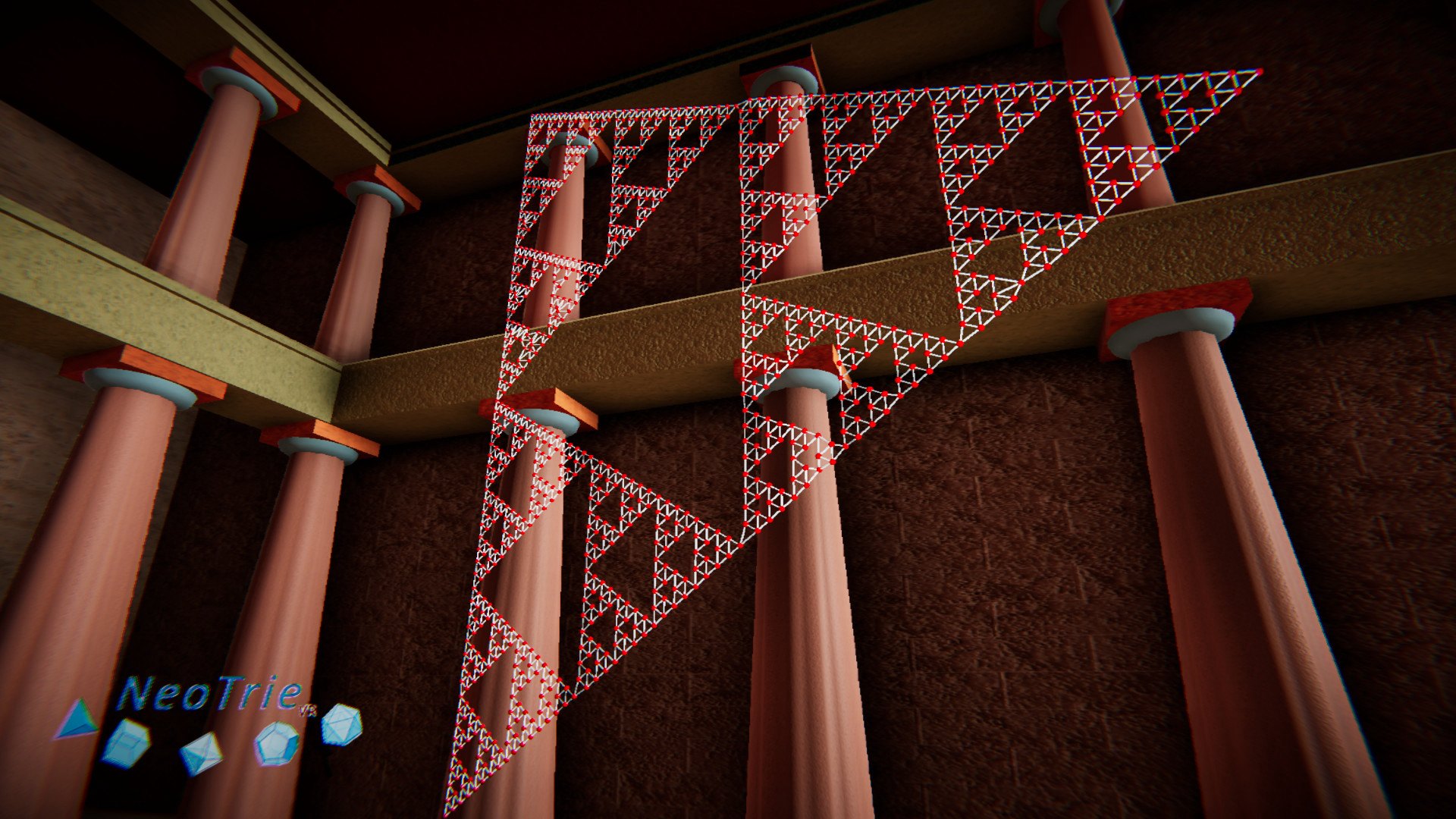
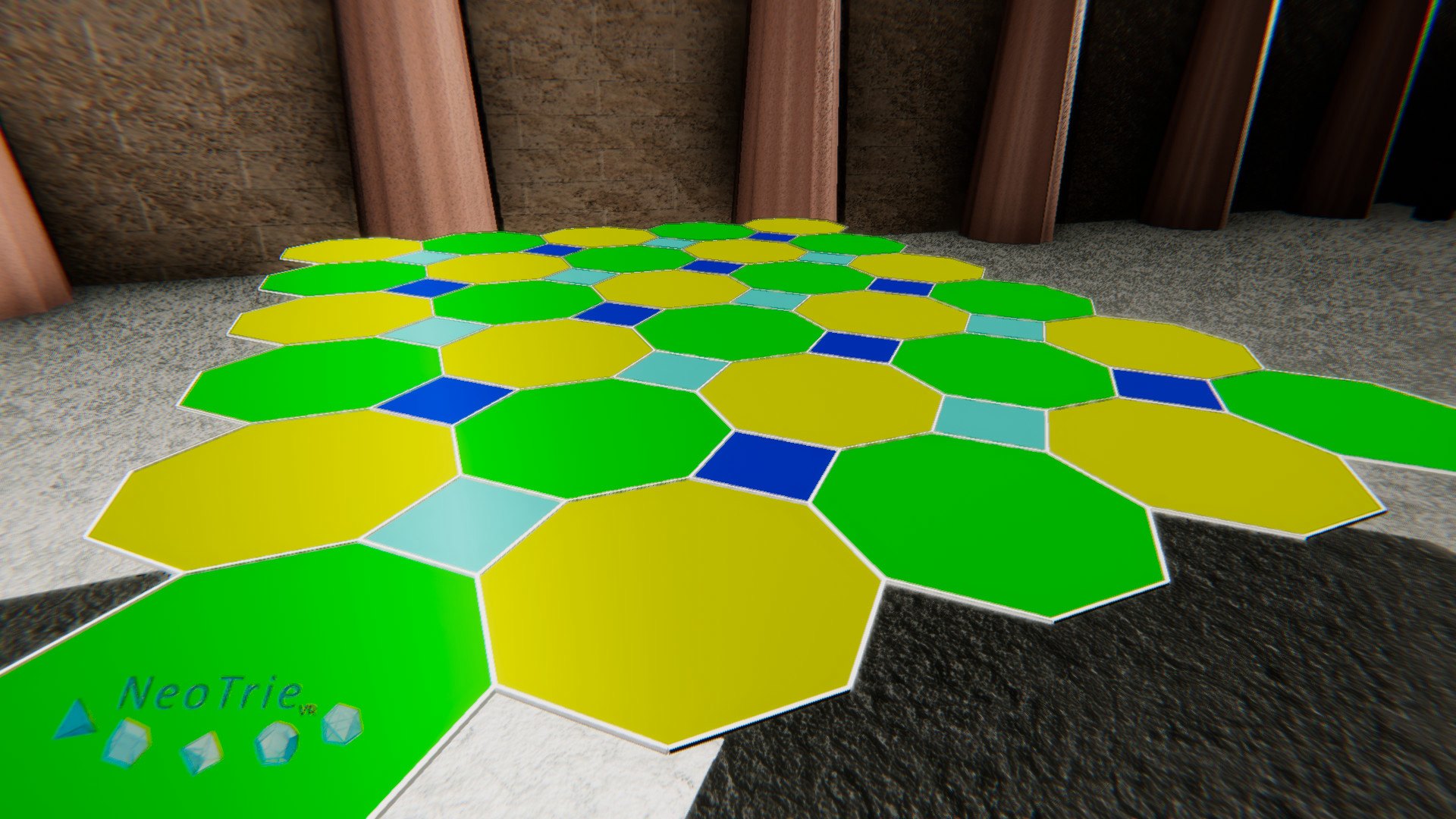
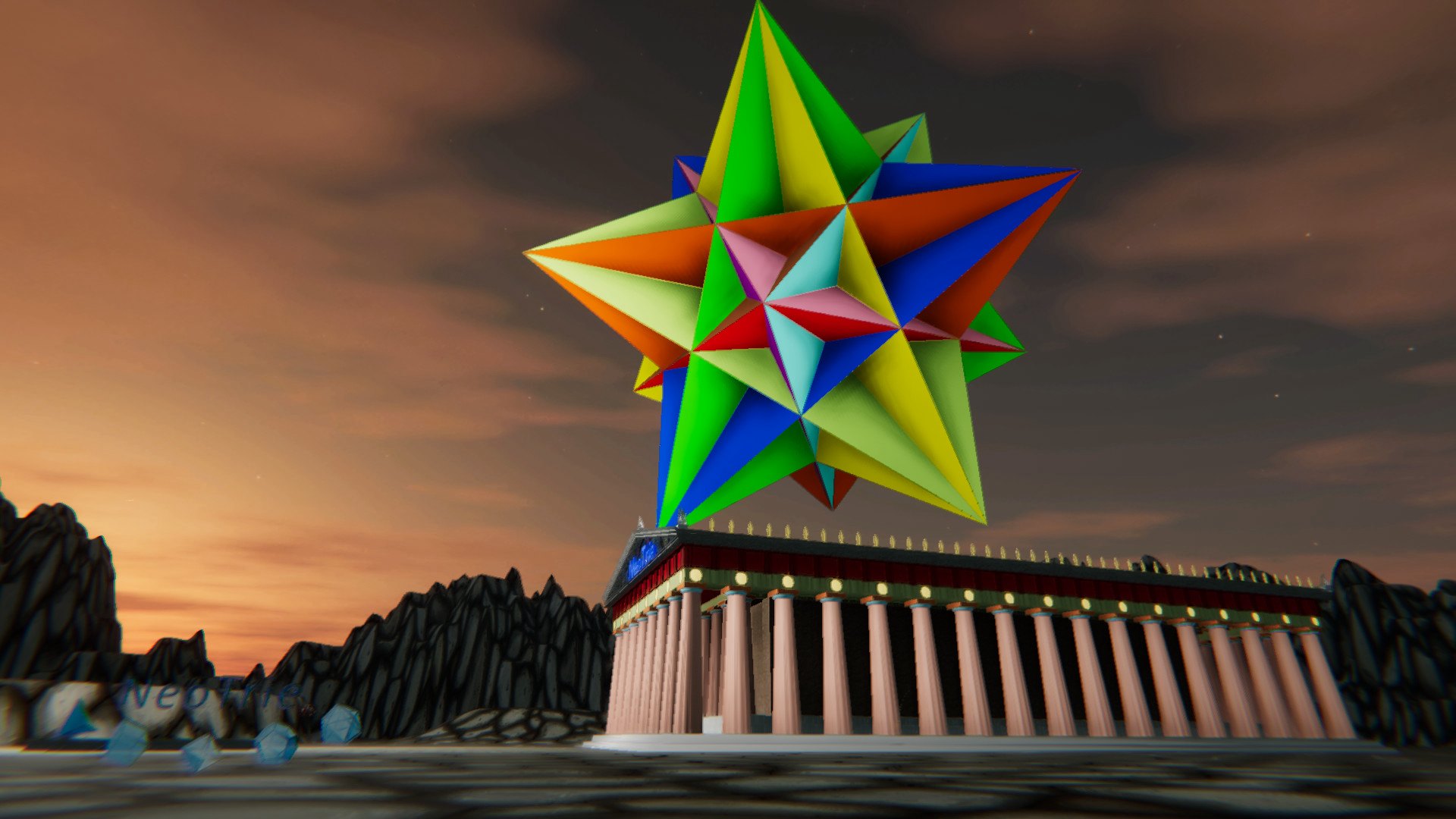
NeoTrie VR is a software that enables users to create, manipulate, and interact with 3D geometrical objects and 3D models in general, of several types. Aims Plane geometry visible through the eyes of a third dimension. 3D geometry and modelling meant for 3D printing. Develops handicrafts and 3D visual skills. Stimulates deductive and inductive reasoning skills. Highlights cooperative work and positive interdependence. Motivates pupils by means of recreational, collaborative and competitive games. Subjects 2D and 3D Geometry: parallels and perpendiculars, angles, lenghts, areas, volumes, . . . Projections of 3D figures using interactive light bulbs. Construction of polyhedra (Platonics, pyramids, prisms, antiprisms, Archimedean, Johnson, Kepler, etc. ). Spatial symmetries of 3D figures, traslations, rotations, reflections, etc. Homotheties to make varied geometric fractals. Crystalline networks from fundamental cells. Euler 3D graphs (Seven Königsberg bridges problem). Hamiltonian graphs (Salesman’s problem). Coloring graphs (based on Four colours theorem). More in development. . . Features Galleries of hundreds of pre-designed geometric figures. Speech Recognition System to insert figures in the scenario. (Compatible only with languages that support speech recognition in the Microsoft API). File system to load and save scenes created by users. Multiplayer tool that enables users to create, play and learn together in the same scene (alpha version). Photo camera and video recording inside the VR scene. More in development. . .