Product details
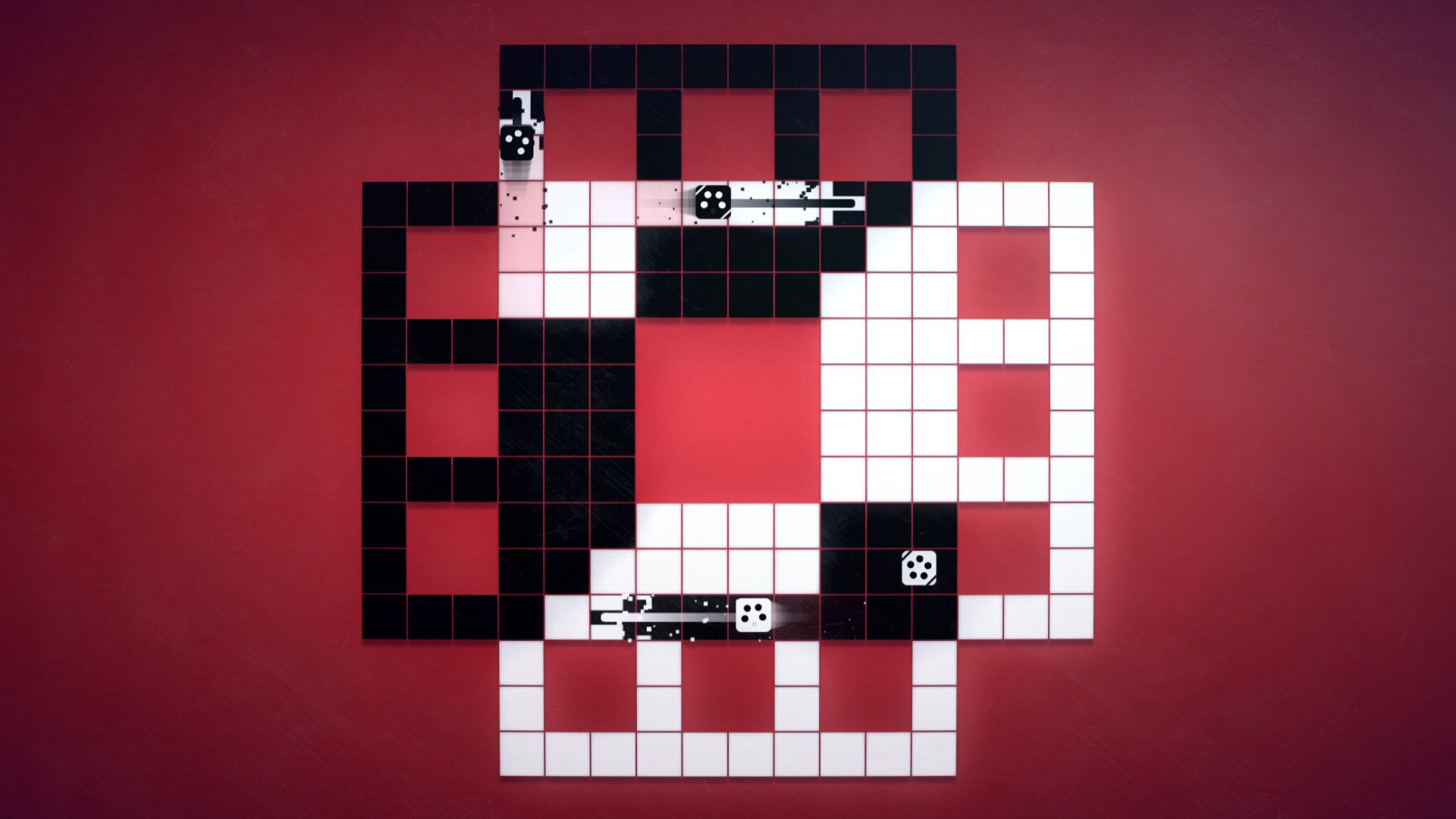
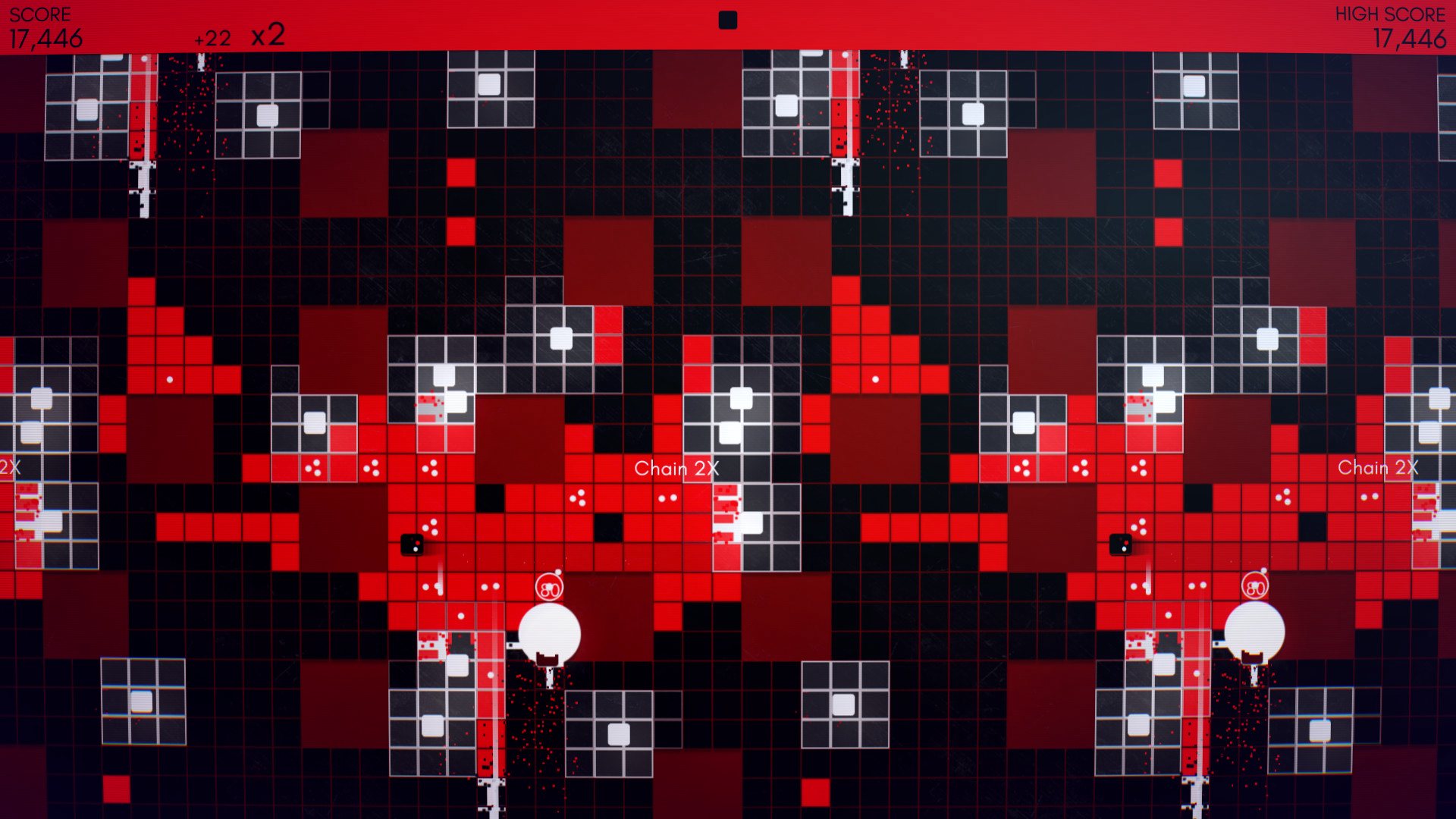
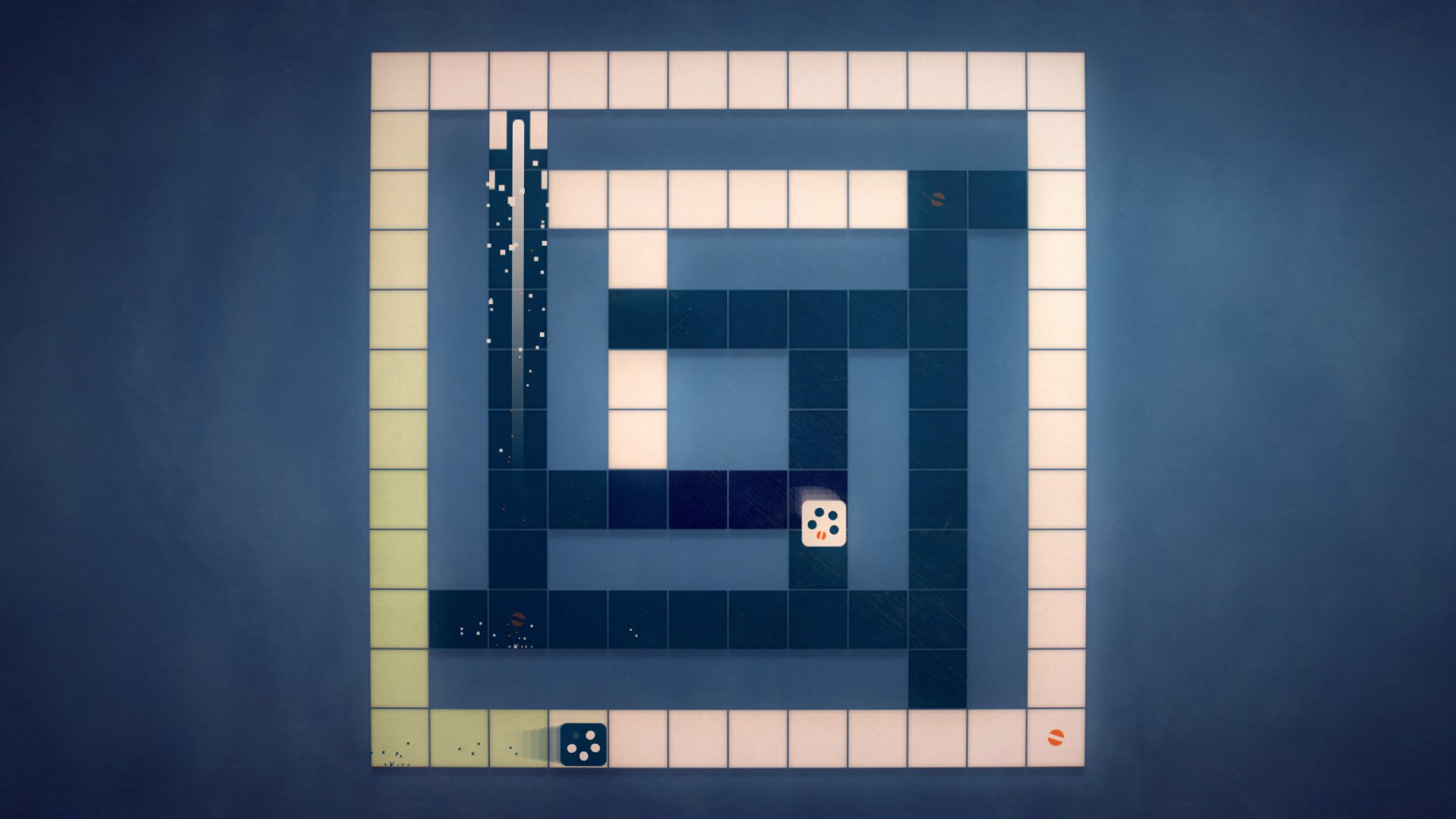
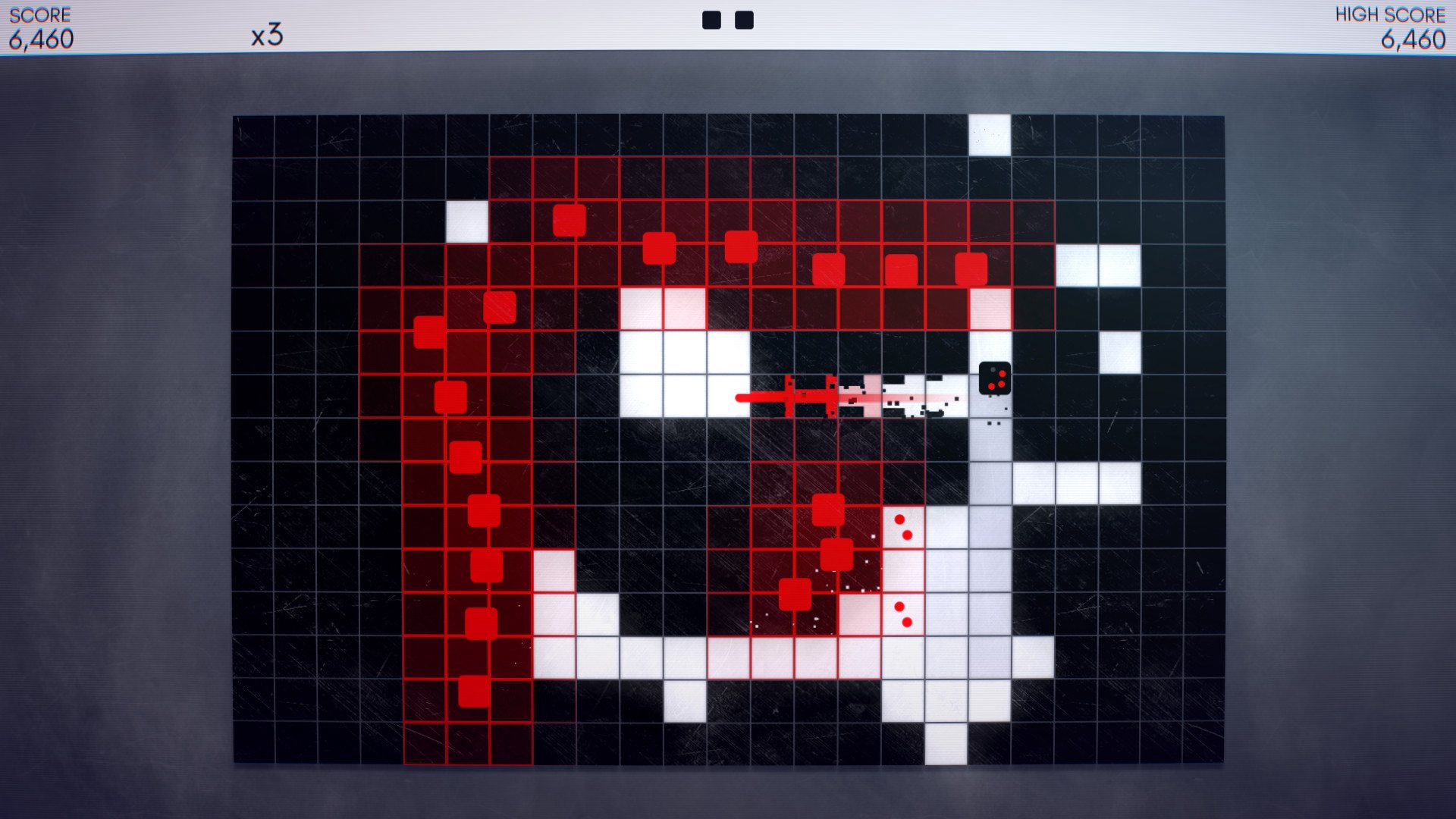
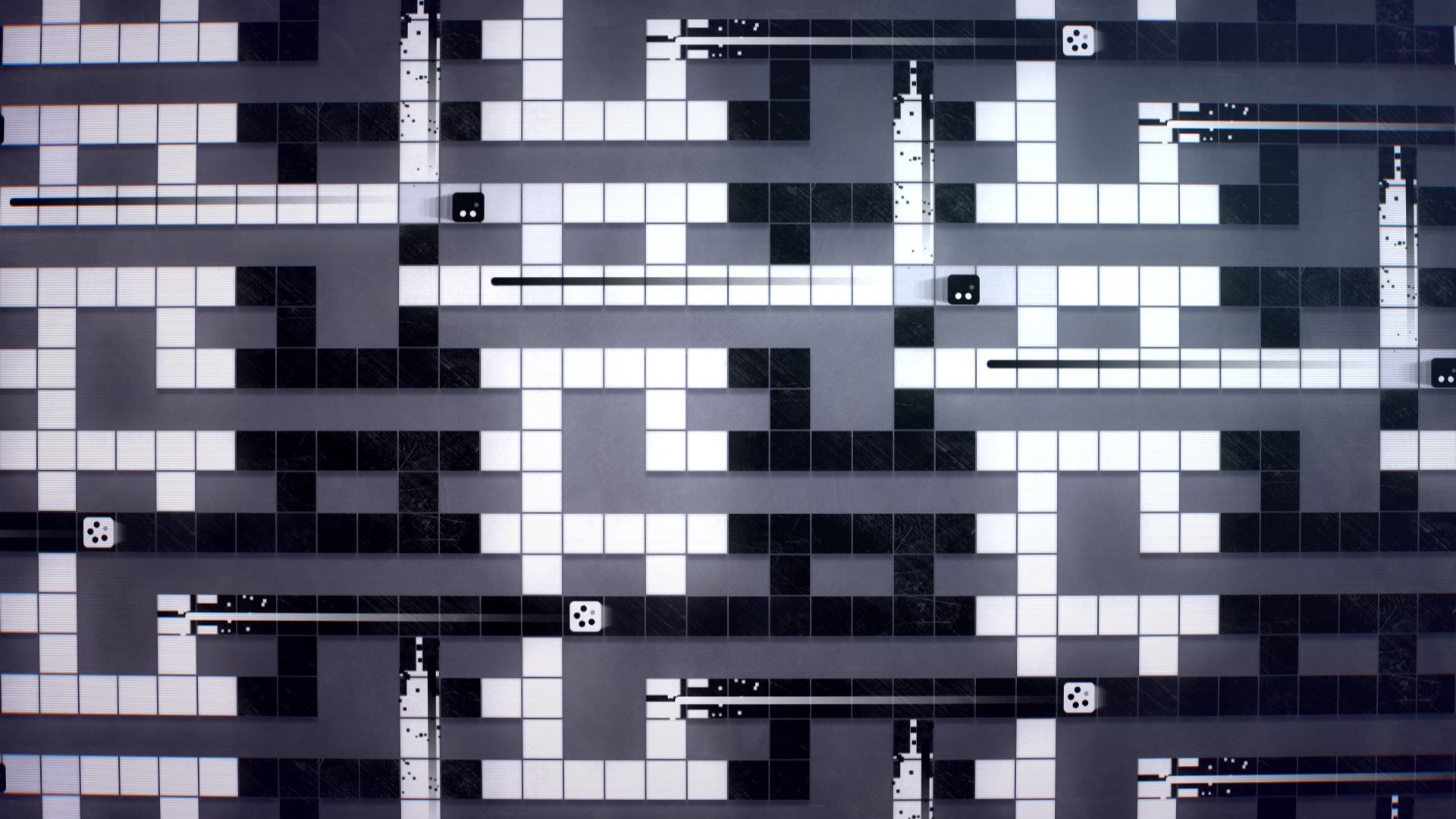
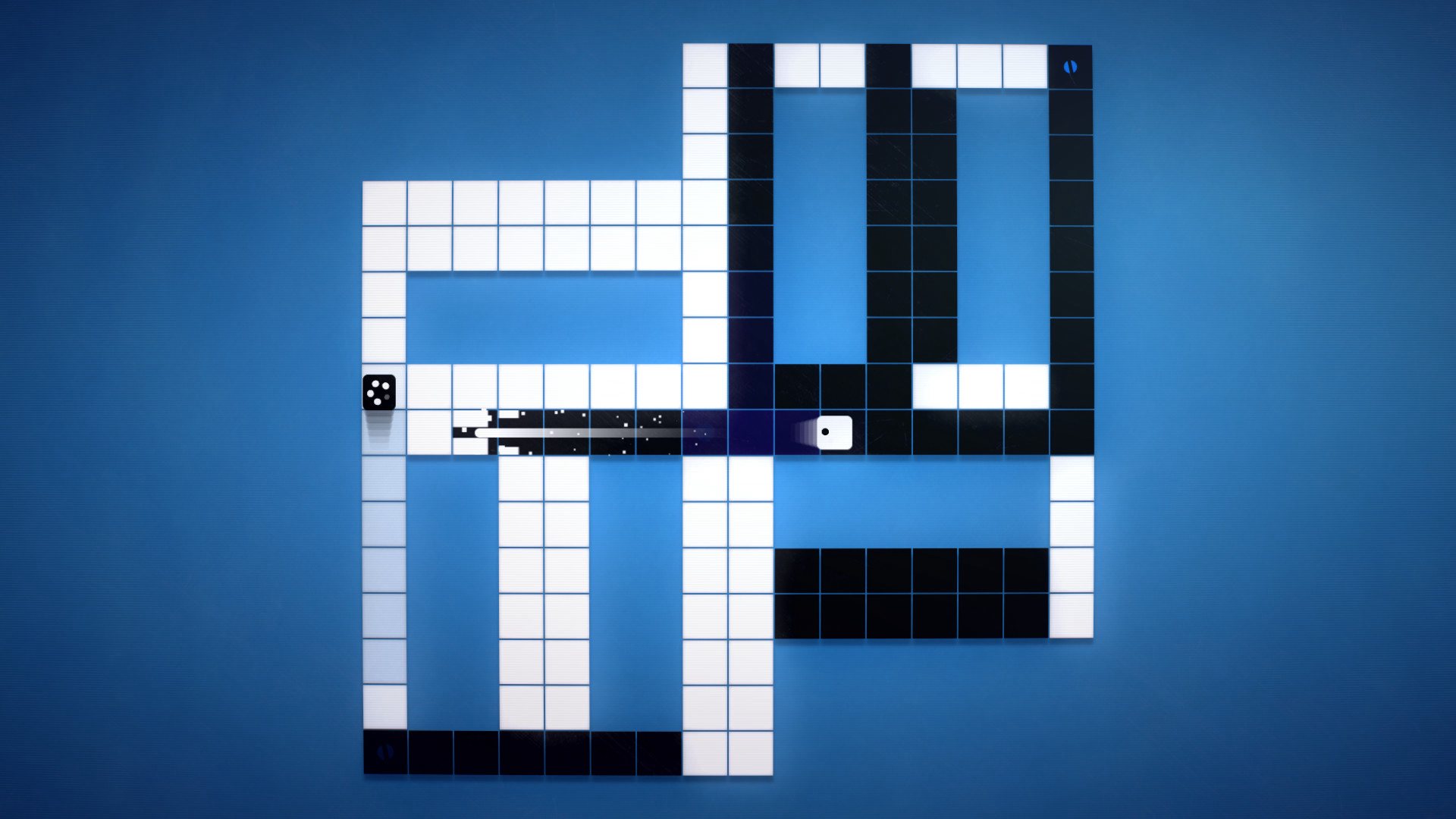
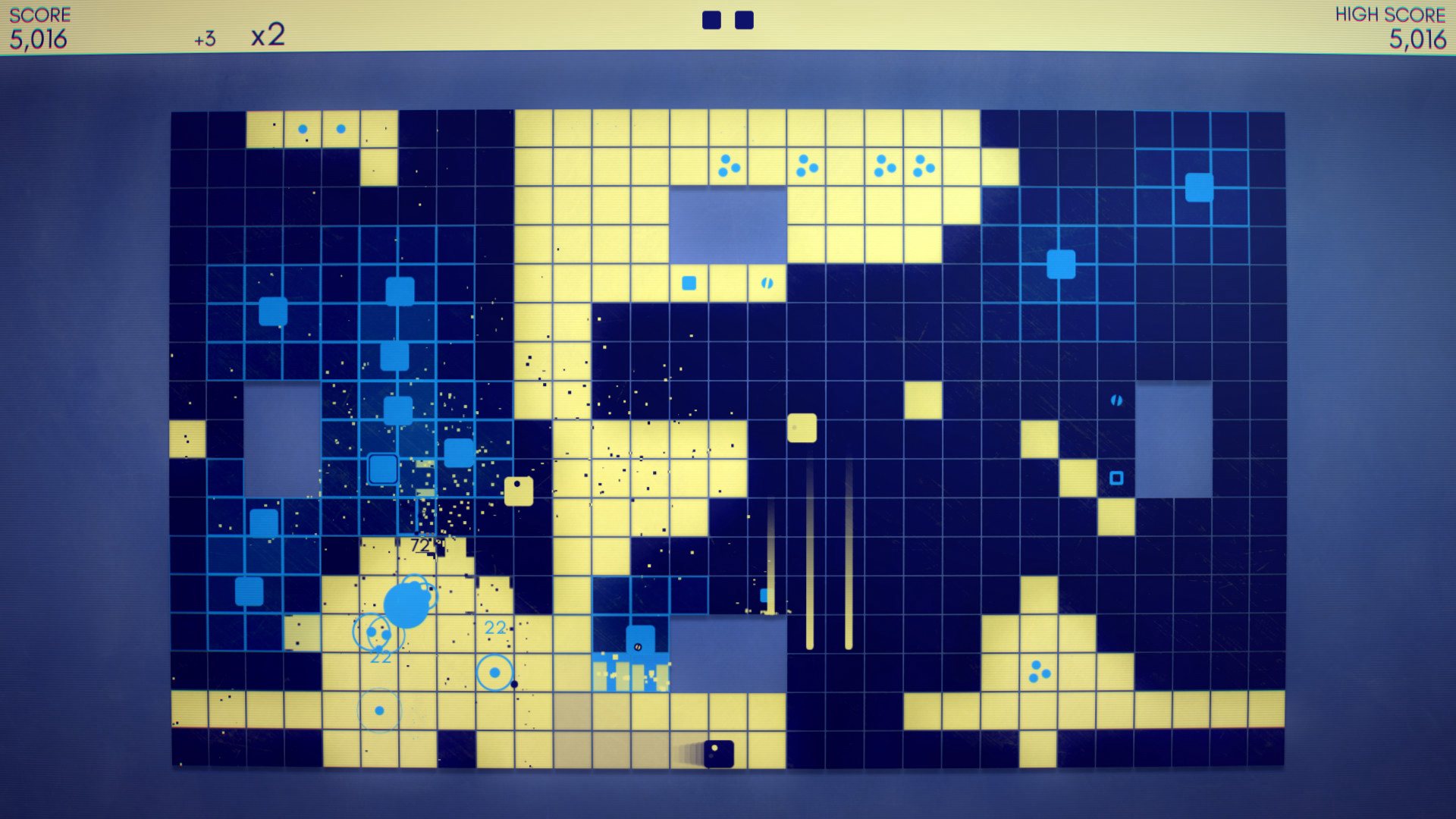
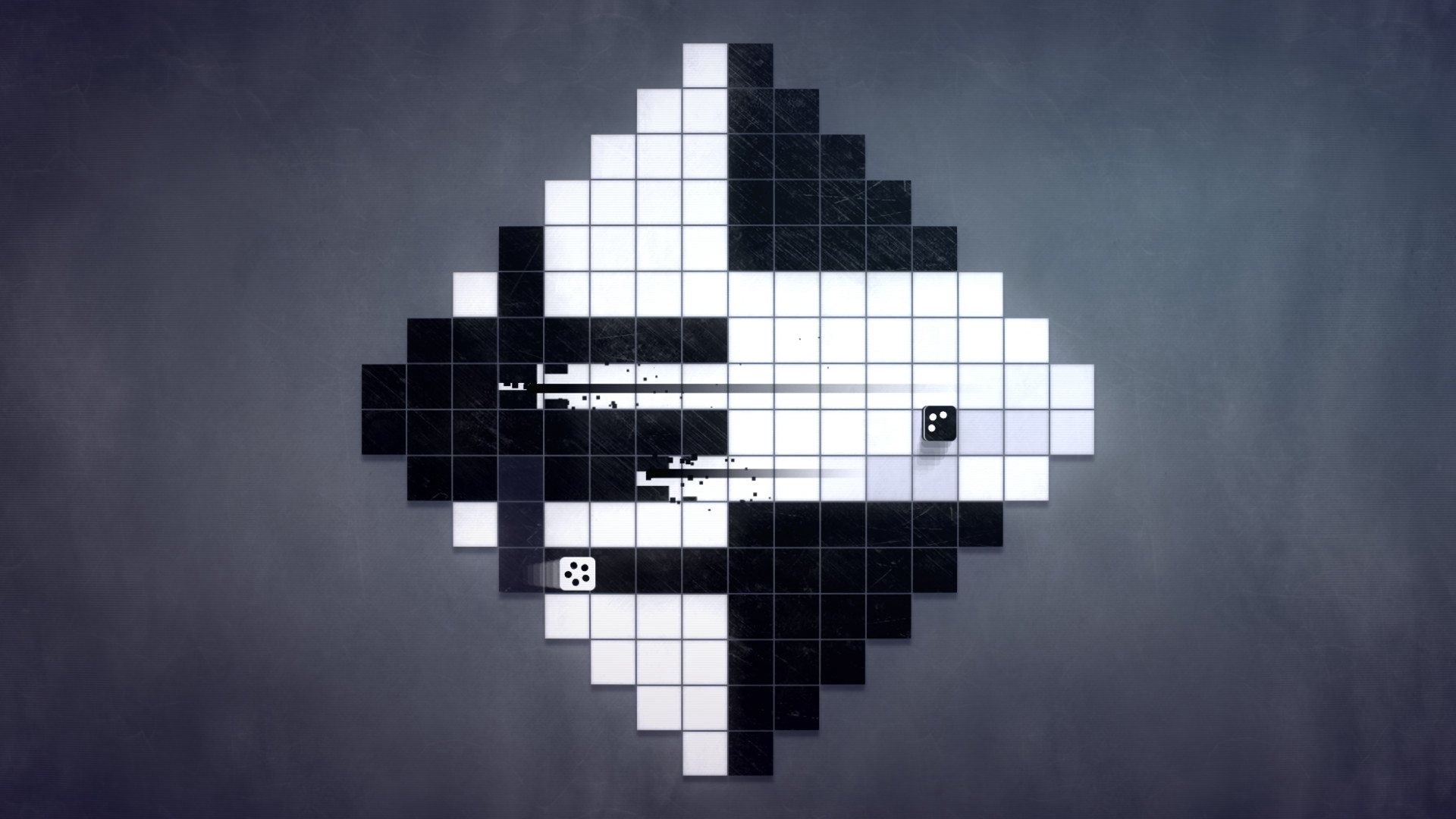
INVERSUS Deluxe is a competitive and cooperative arcade shooter with a mind-bending twist. Player movement is constrained to opposite colors of a black and white grid. My walls are your paths and your walls are my paths. Each shot flips tile colors in an attempt to block, trap and close in on the enemy. With full support for solo play, local multiplayer and online multiplayer, INVERSUS Deluxe adapts to you and your group of friends. The full single-player and local-multiplayer experience can also be played while waiting for a match online!In VERSUS mode, up to four players can compete across thirty-nine different maps in 1v1 or 2v2 battles. Head straight into online ranked multiplayer, train against five tiers of AI bots, or customize the rules in local games and private online lobbies. Take on the challenge of ARCADE mode alone or with a friend as you fight for survival on eleven stages. Create devastating chain attacks through the enemy swarms as you compete for high scores on the global leaderboards! Features Online and local multiplayer Competitive battles in 1v1 and 2v2 modes Fight for the world record in single-player and cooperative multiplayer arcade modes Thirty-nine versus maps encouraging varied playstyles and strategies Eleven arcade maps with distinct challenges to master Unlock color palettes, emotes and motion trails to show off and personalize your game Mind-bending levels in ever looping worlds A constantly changing board makes every game a fresh experience Play the full single player game while waiting for a match in online multiplayer