Product details
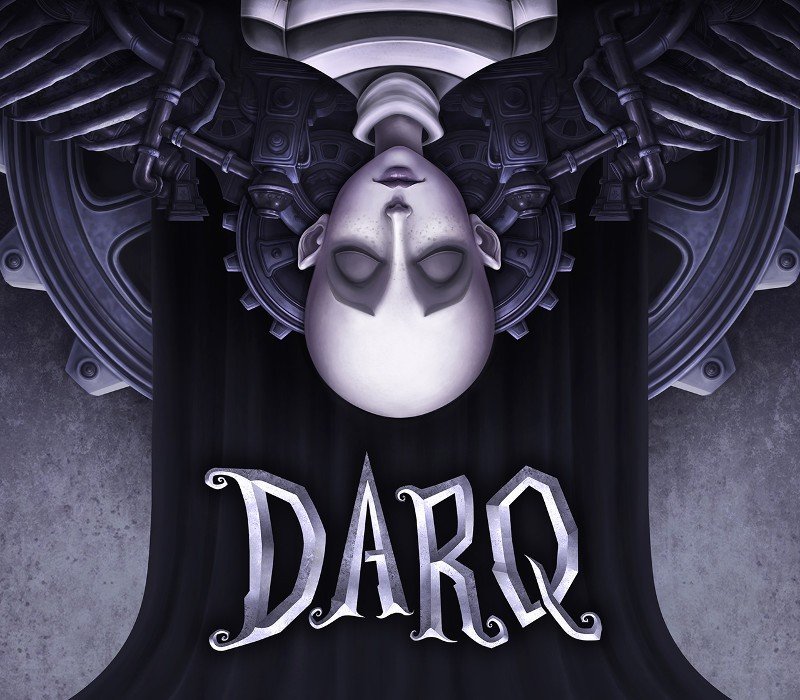
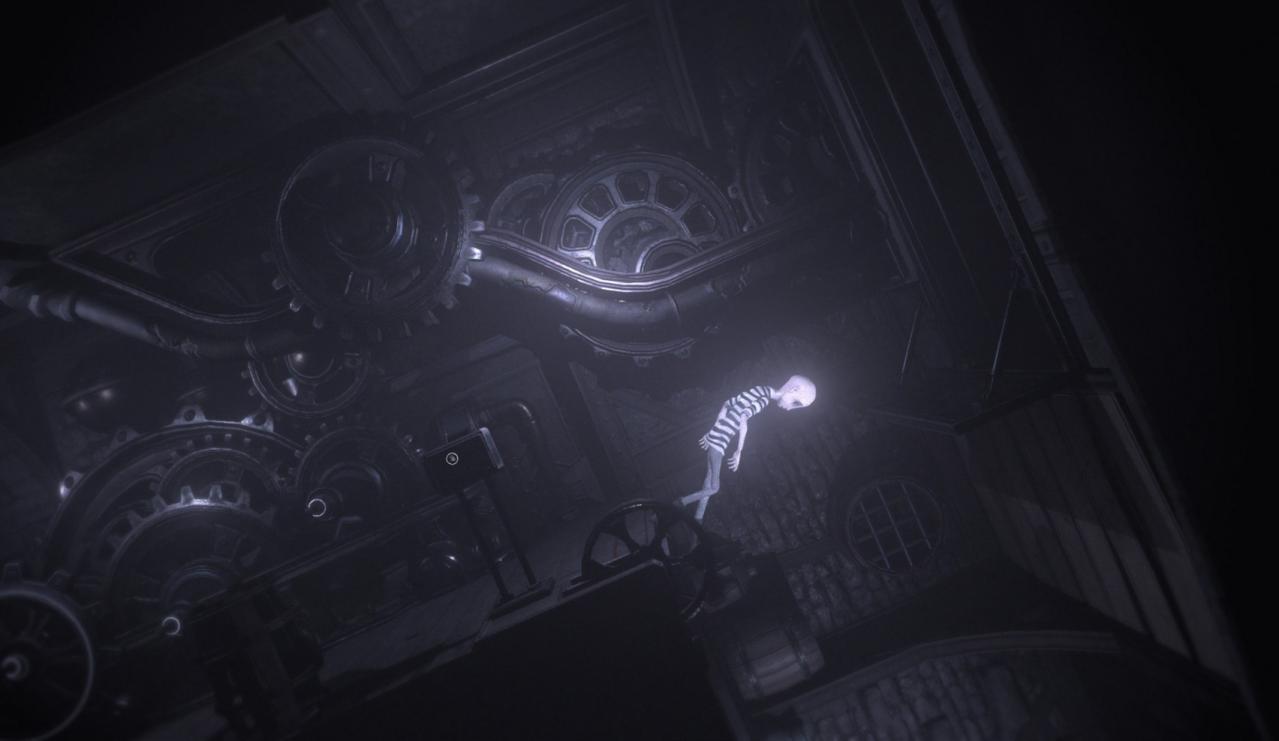
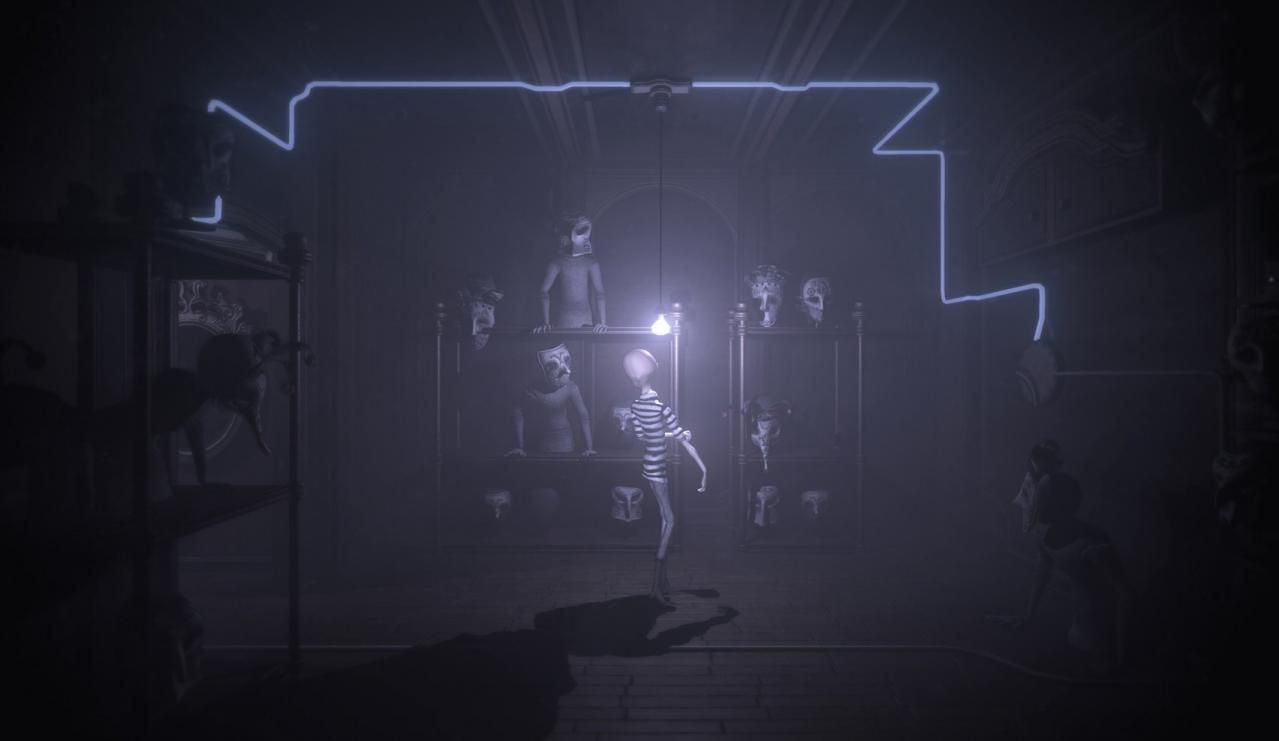
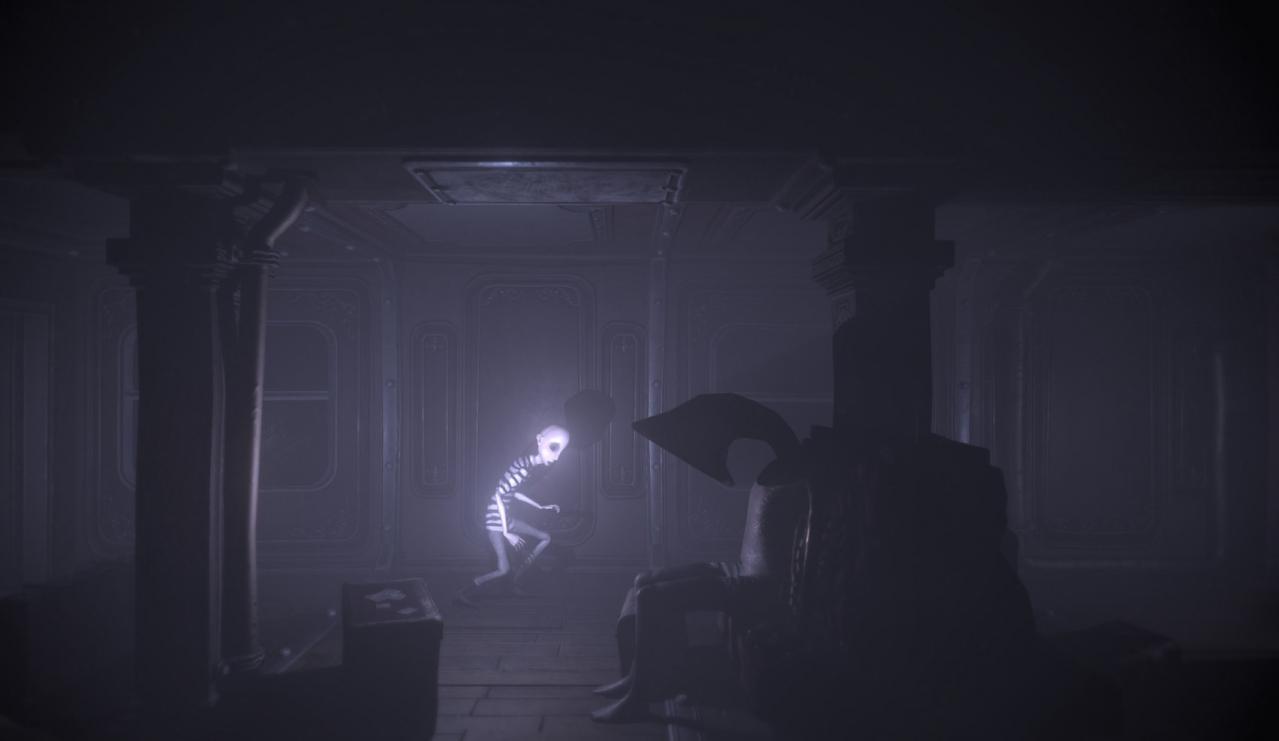
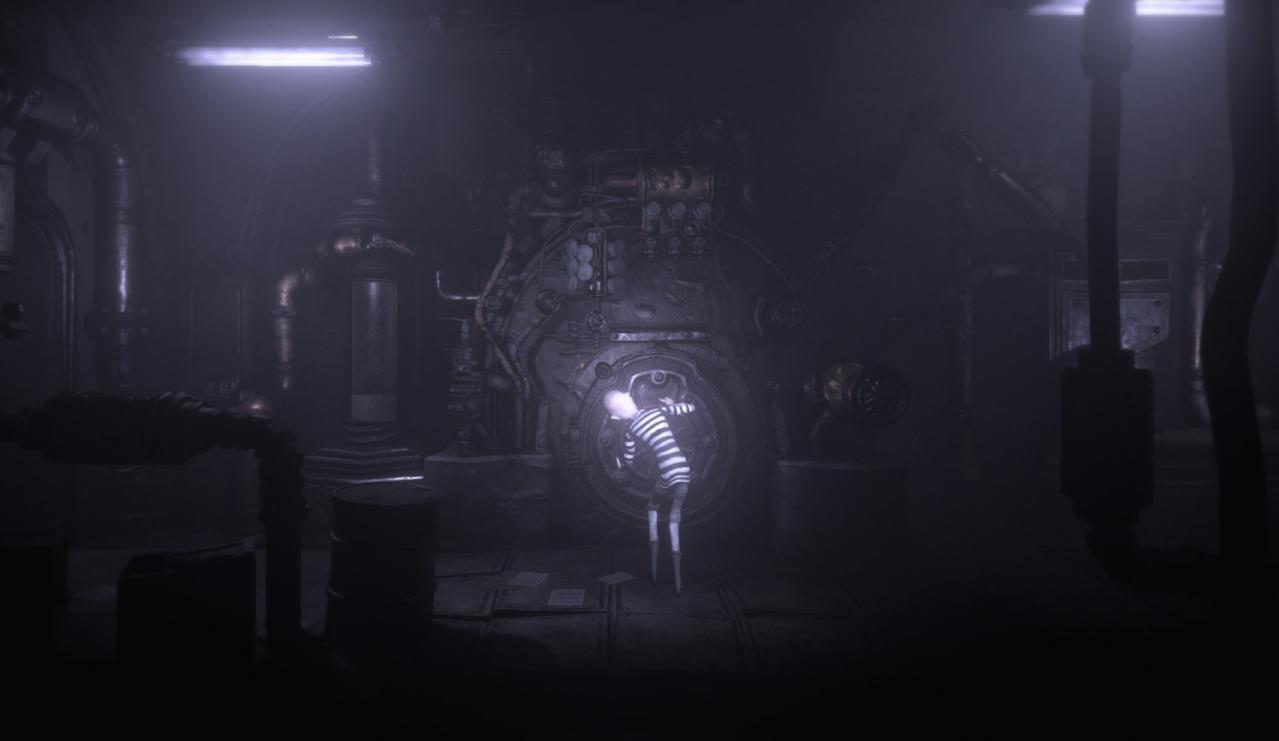
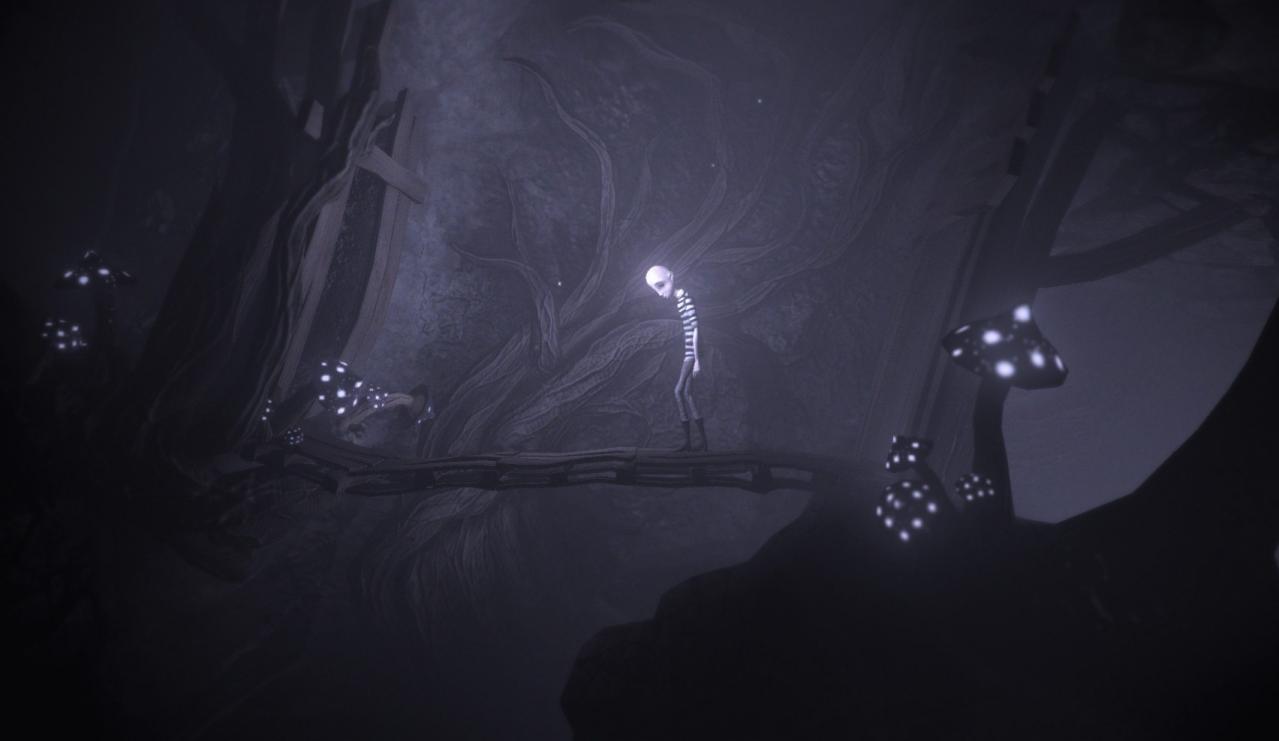
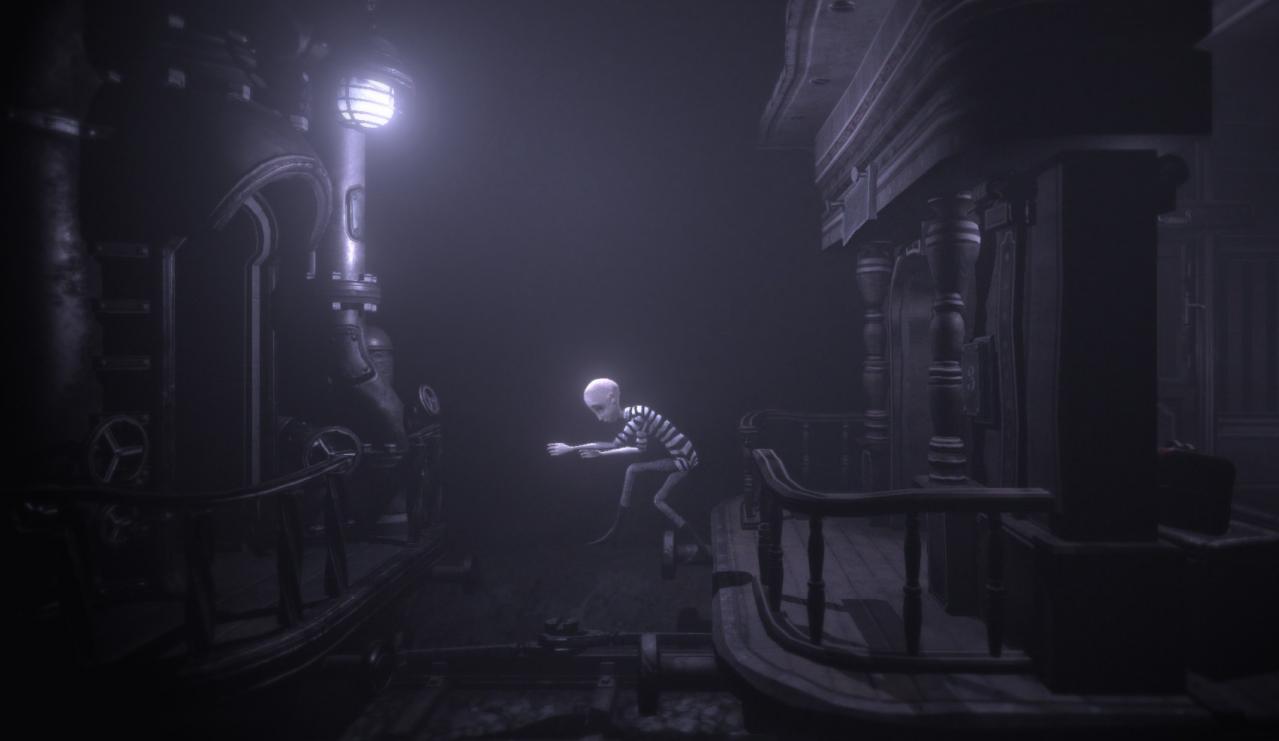
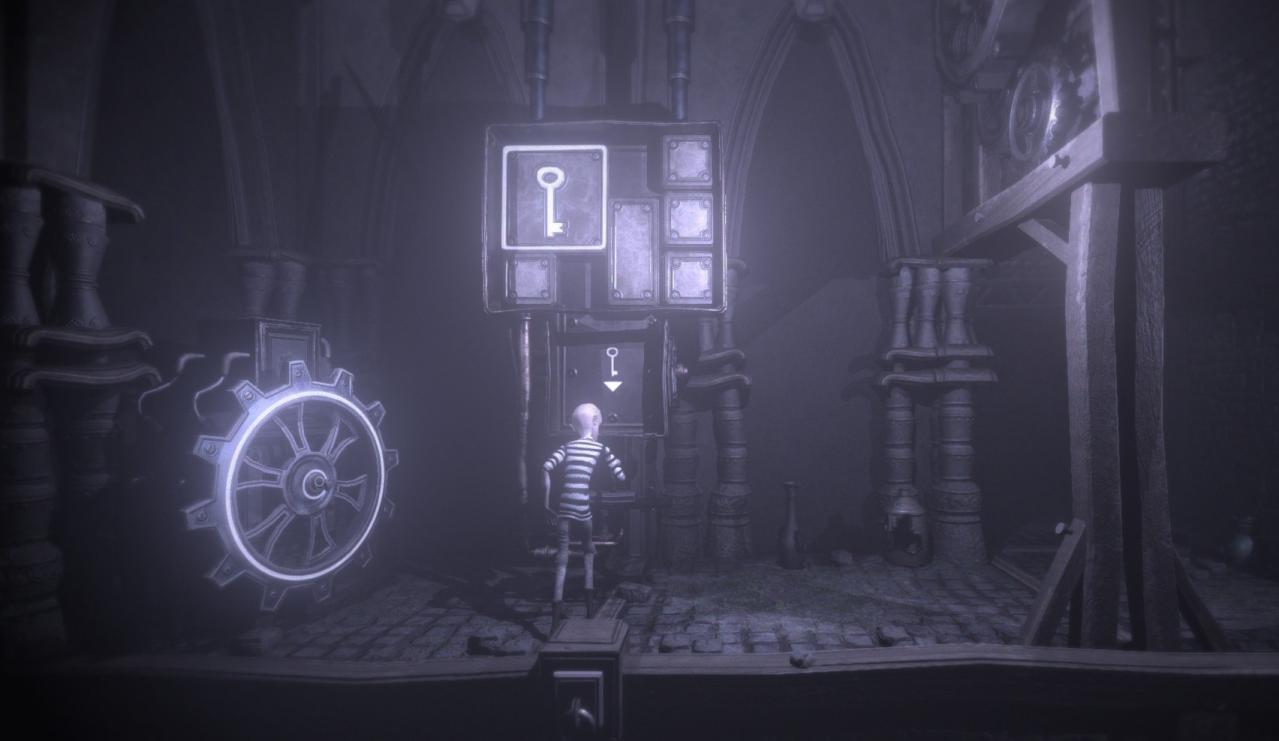
DARQ tells the story of Lloyd, a boy who becomes aware of the fact that he is dreaming. To Lloyd’s misfortune, the dream quickly turns into a nightmare and all attempts to wake up end in failure. While exploring the darkest corners of his subconscious, Lloyd learns how to survive the nightmare by bending the laws of physics and manipulating the fluid fabric of the dream world. Apart from gravity-defying puzzles, Lloyd will have to use stealth when nearby enemies. He has no chance of winning in an open confrontation, since the creatures he will encounter are much more powerful and faster than him. Instead, he has to rely on careful planning to avoid getting detected. Features Psychological horror set in a lucid dream, relying on slow build and creepy atmosphere rather than gore and violence. Unique artstyle and detailed environment to explore Sound design by Bjørn Jacobsen, known for his work on such games as Cyberpunk 2077 and Hitman. Puzzles that involve bending the laws of physics (walking on walls and ceilings) , manipulating the dream world (moving things, rotating rooms), collecting and using found objects, and avoiding enemies. Hidden secrets to find (optional, for hardcore players only)