COINS BATTLE Steam CD Key

9 in stock

0.58

Buy now

Product details

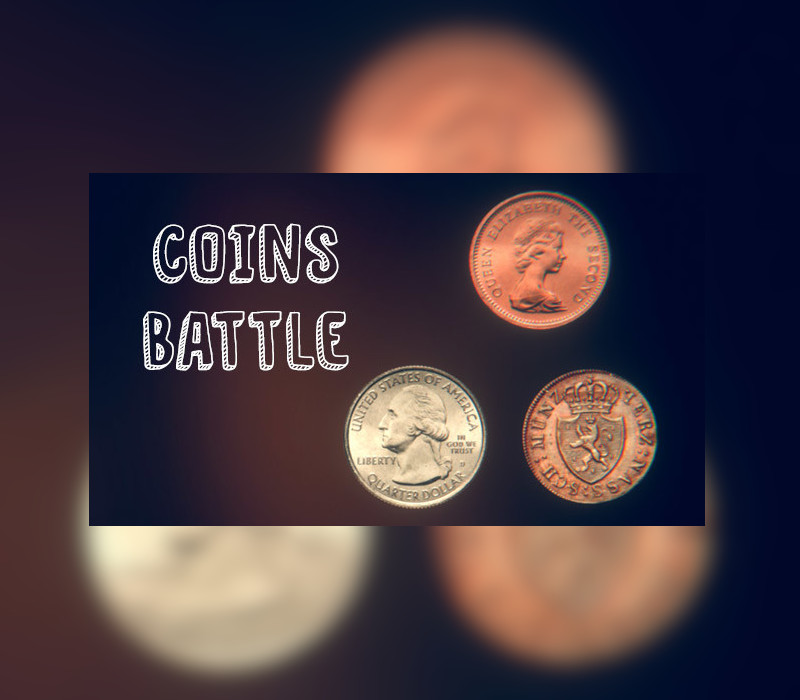
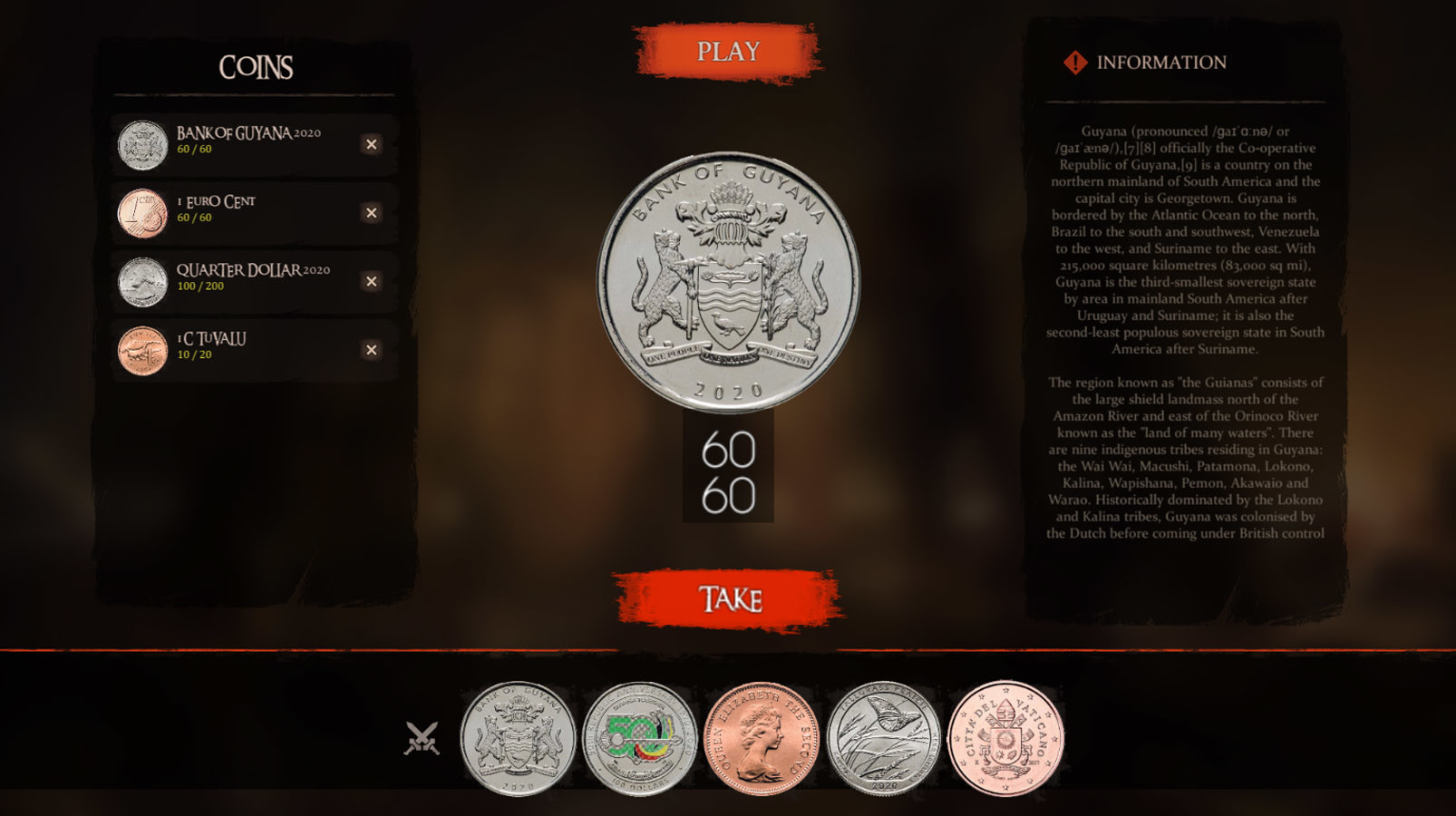
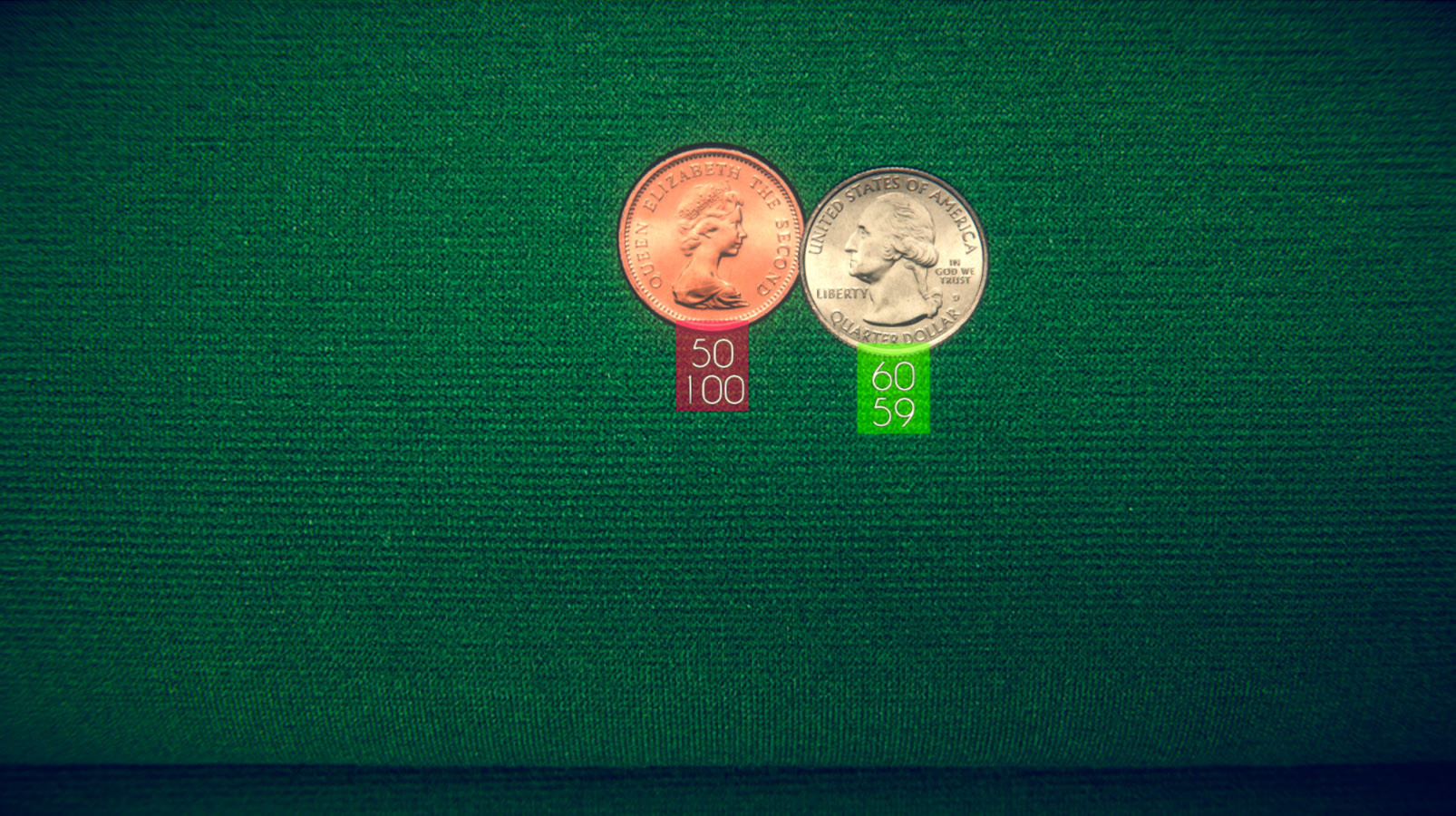
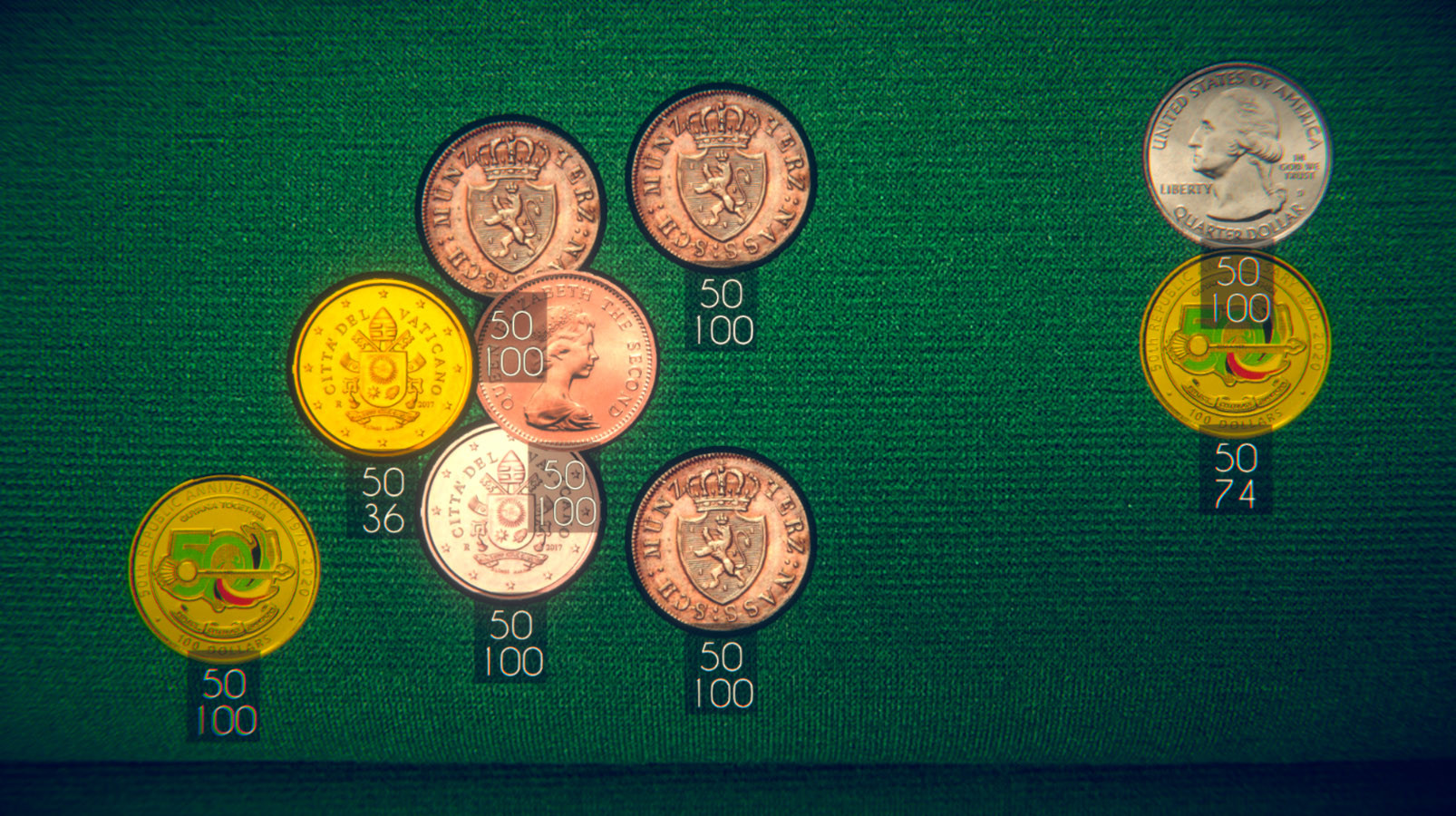
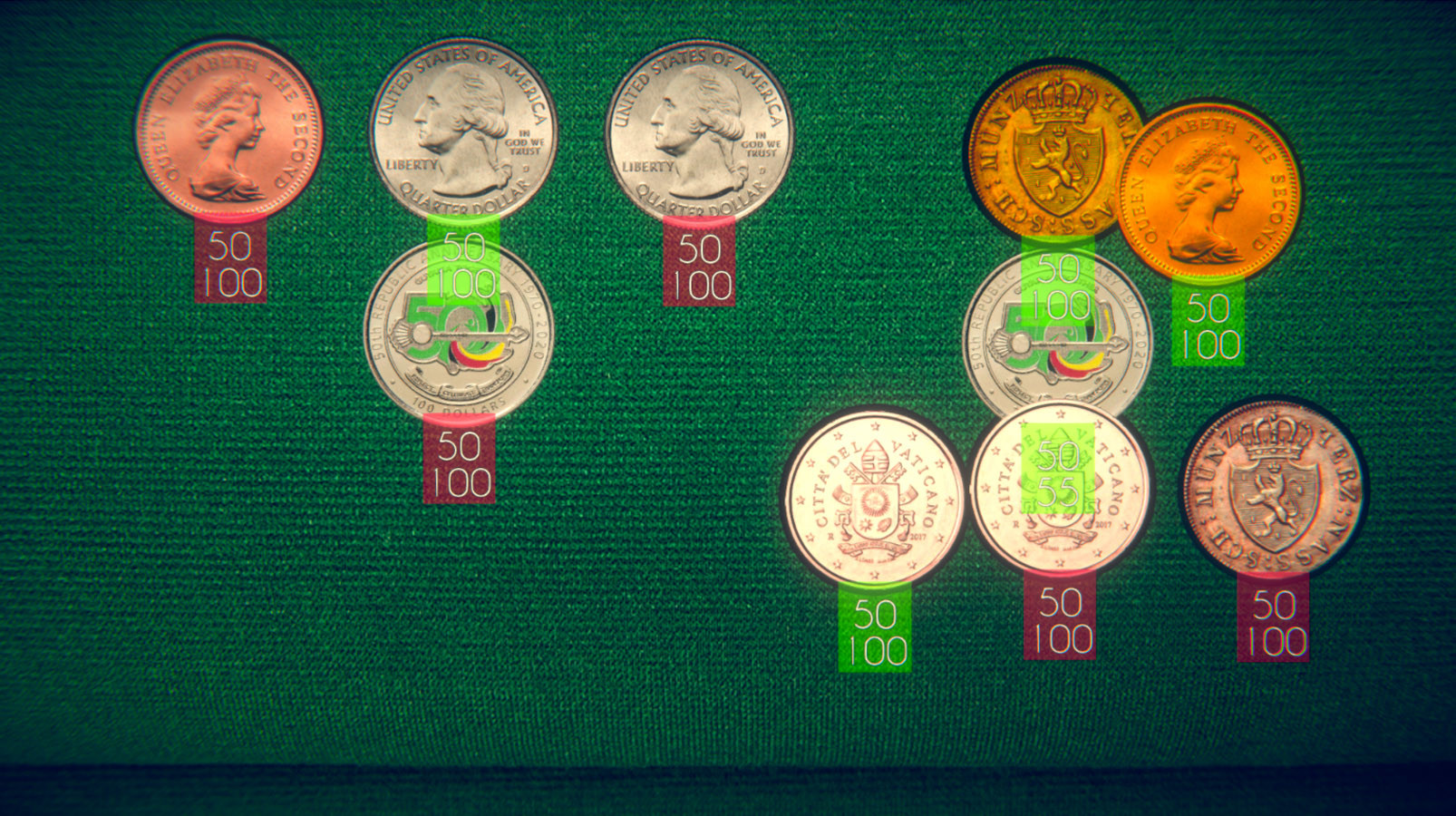
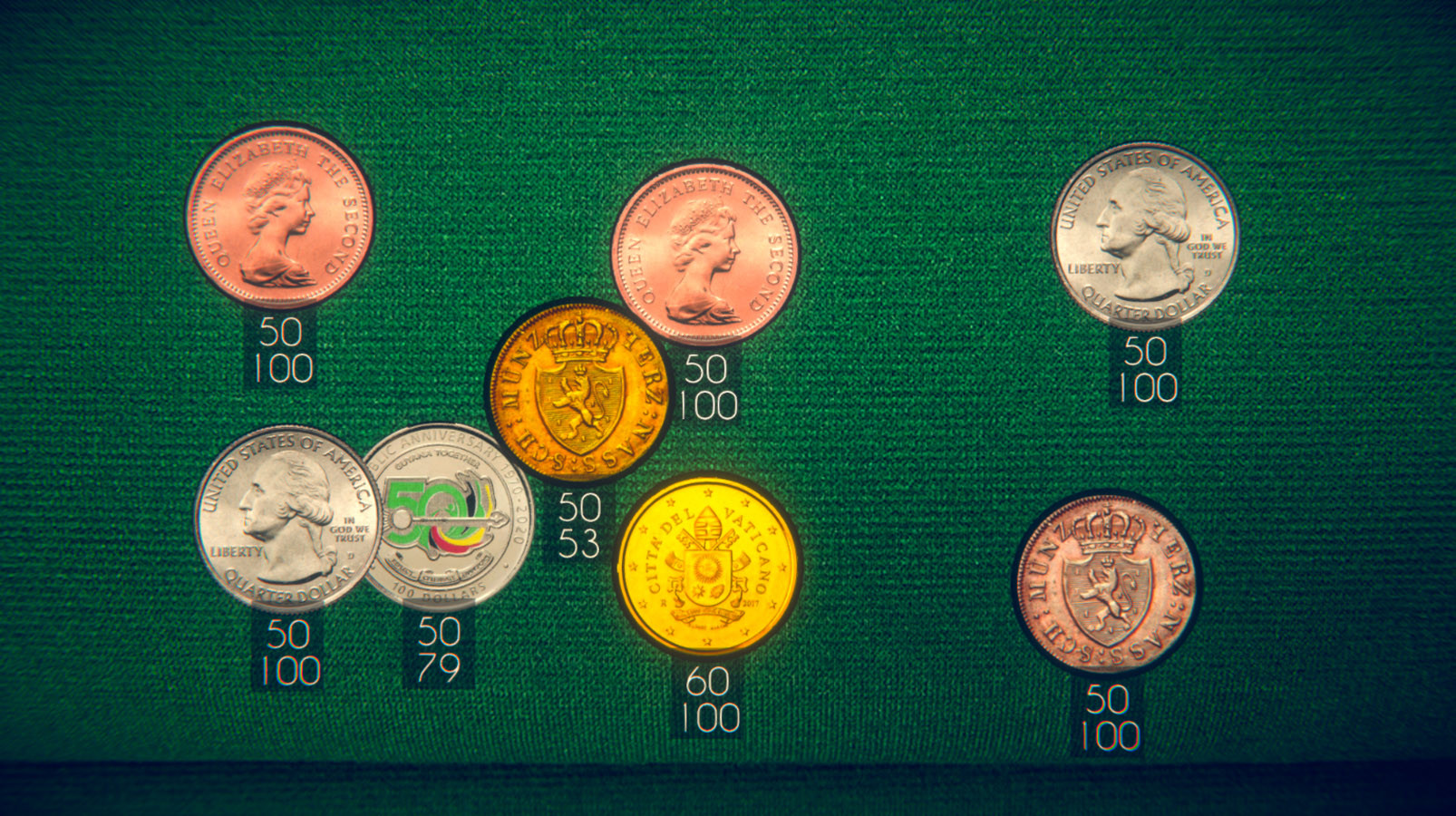
Collect coins from the world and fight them in battles for new coins.The player receives coins that cannot be lost, with the help of these coins he must win in battles with other coins. If the player wins, he gets the defeated coins, if he loses, he loses all the coins that he took into battle, except for those that cannot be lost.Each coin has a certain number of lives and attack, these parameters depend on the value of the coin and its rarity.The player’s and the opponent’s coins are randomly placed on the field. When the player clicks on one of his coins, it is activated and the battle begins. The enemy’s coins will attack. The player must think in what order to click on his coins to win, the coins fight and move around the field automatically.Also, each coin has a description and the player can read interesting information about the coin


Additional information

Developers
Publishers
Genres
Platform
Languages
Release date 2021-06-09
Steam Yes
Regional limitations 3
Windows
Minimum: OS: Windows 7/8/10 Processor: 2GHz Duo Core Processor Memory: 1 GB RAM Graphics: NVIDIA GeForce 450 or higher with 256GB Memory DirectX: Version 9.0 Network: Broadband Internet connection Storage: 200 MB available space
Linux
Minimum: OS: Ubuntu 32-bit 12.04+ Processor: Intel Core 2 Duo / AMD Phenom II Memory: 1 GB RAM Graphics: NVIDIA GeForce 450 or higher with 256MB Storage: 200 MB available space
Mac
Minimum: OS: OS X Mavericks 10.9 or newer Processor: Dual core from Intel Memory: 1 GB RAM Graphics: nVidia 320M or higher, or Radeon HD 2400 or higher, or Intel HD 3000 or higher Storage: 200 MB available space
Go to: http://store.steampowered.com/ and download STEAM client Click "Install Steam" (from the upper right corner) Install and start application, login with your Account name and Password (create one if you don't have). Please follow these instructions to activate a new retail purchase on Steam: Launch Steam and log into your Steam account. Click the Games Menu. Choose Activate a Product on Steam... Follow the onscreen instructions to complete the process. After successful code verification go to the "LIBRARY" tab and start downloading.
Back to Top
Product has been added to your cart