
Cities: Skylines – Content Creator Pack: Sports Venues DLC Steam CD Key

11 in stock

2.38

Buy now

Product details

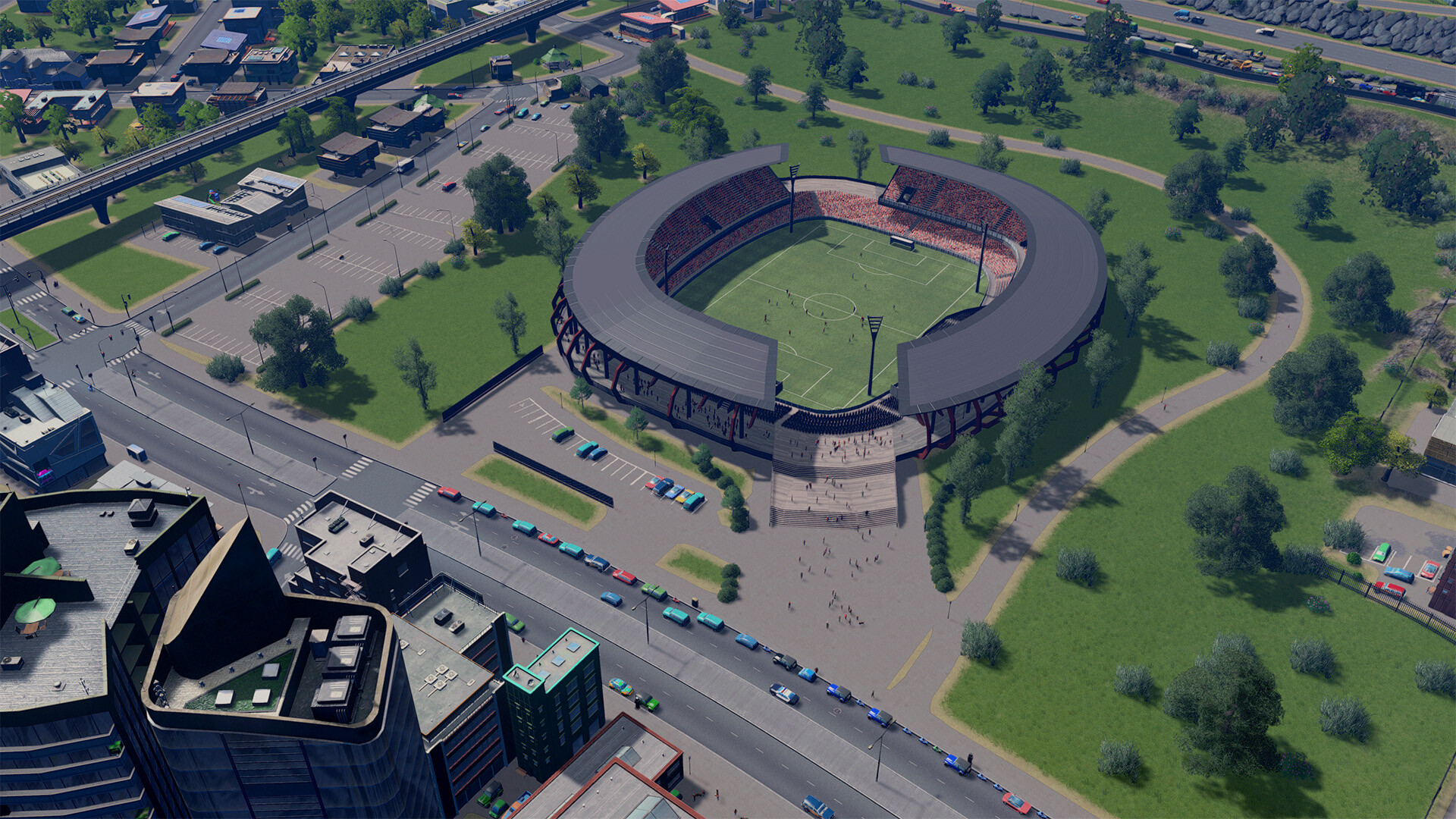
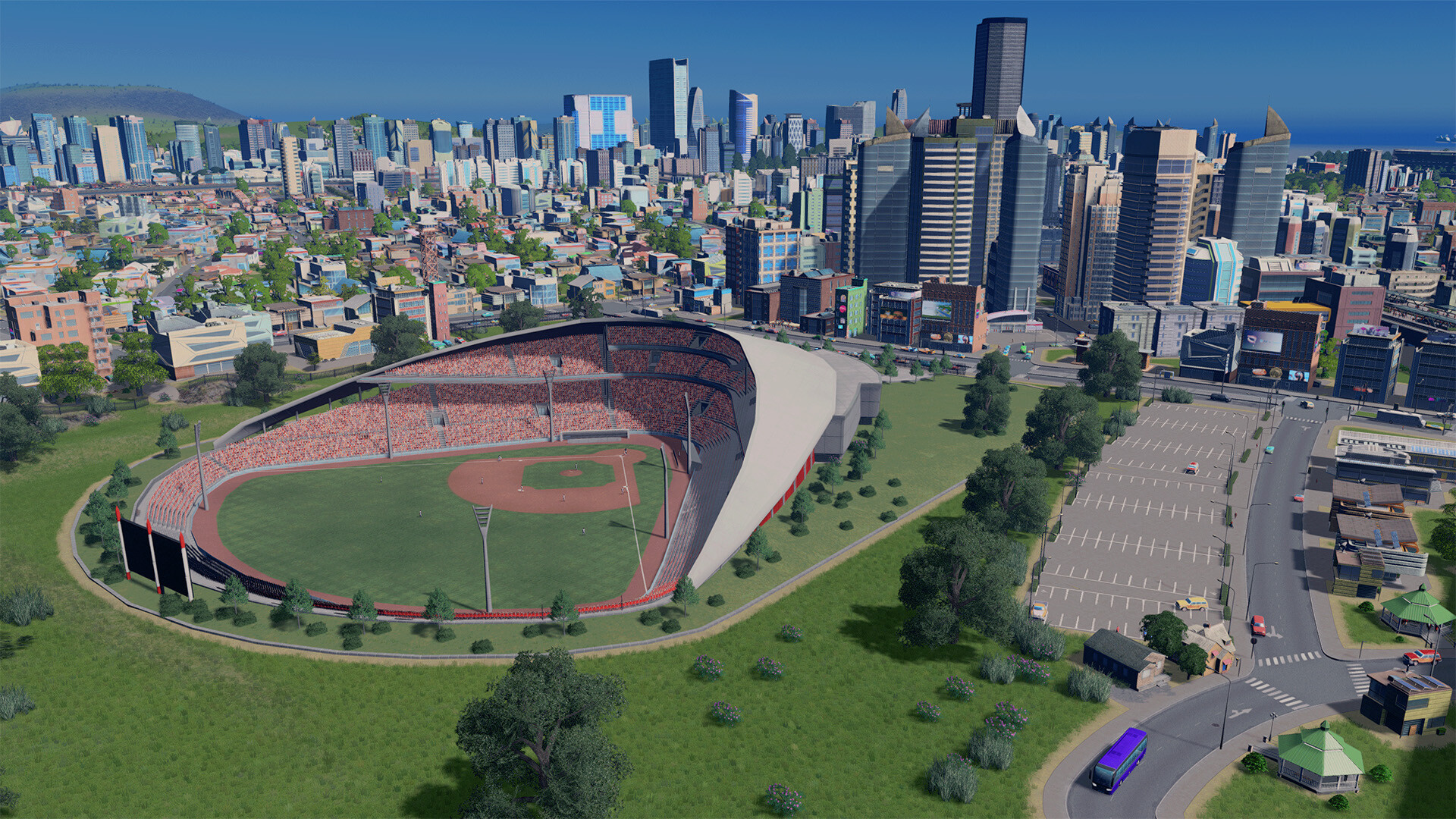
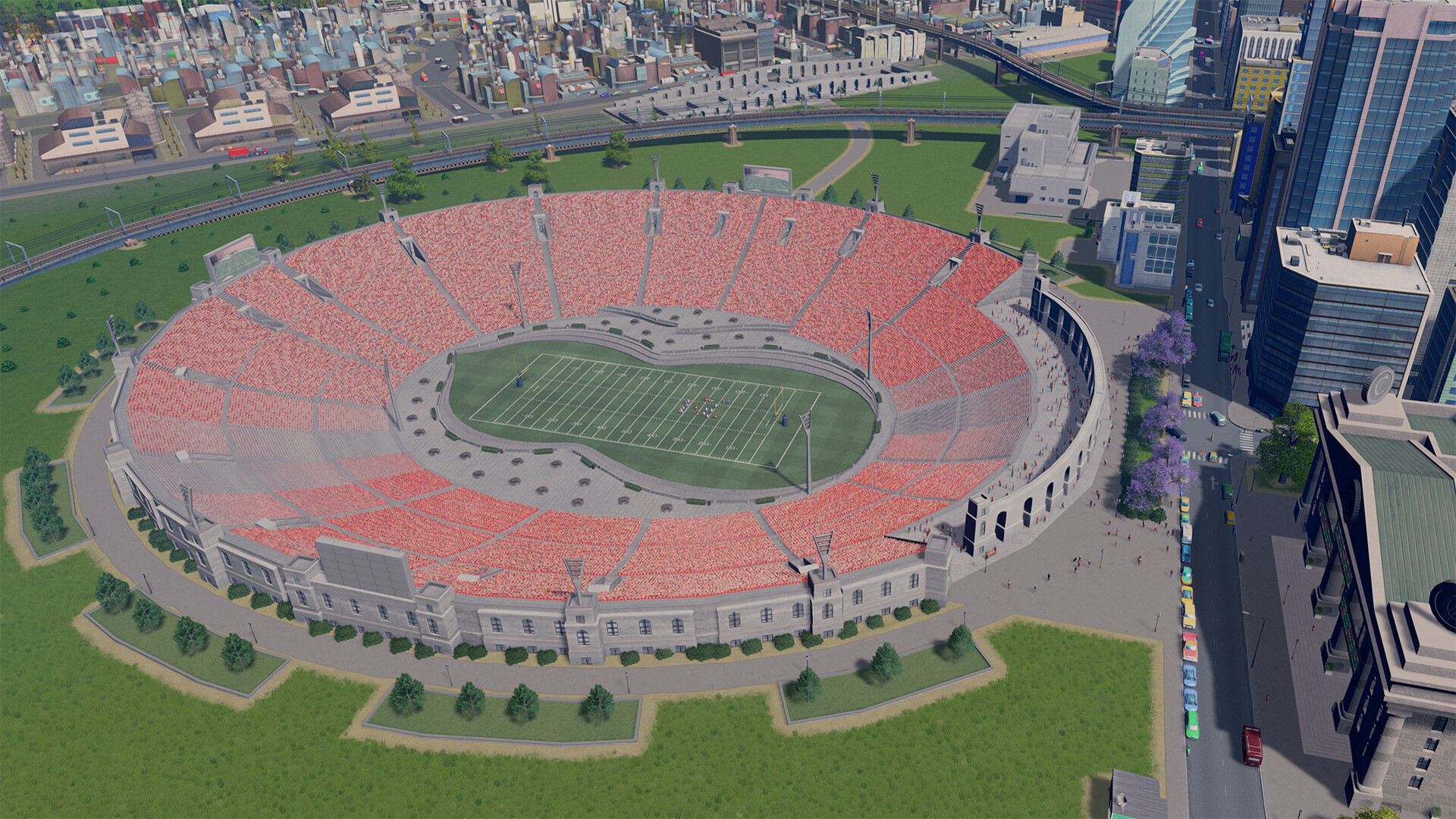
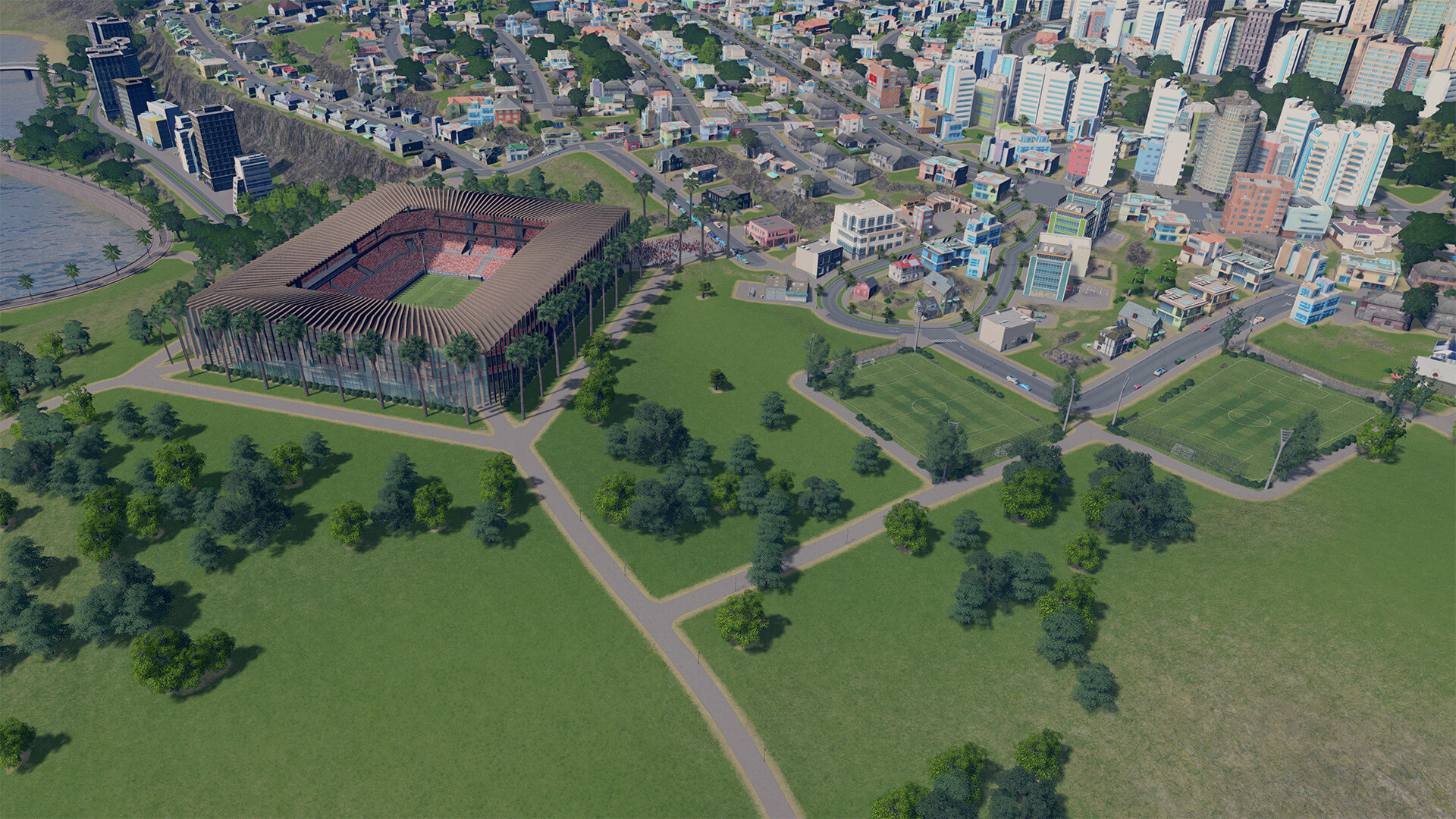
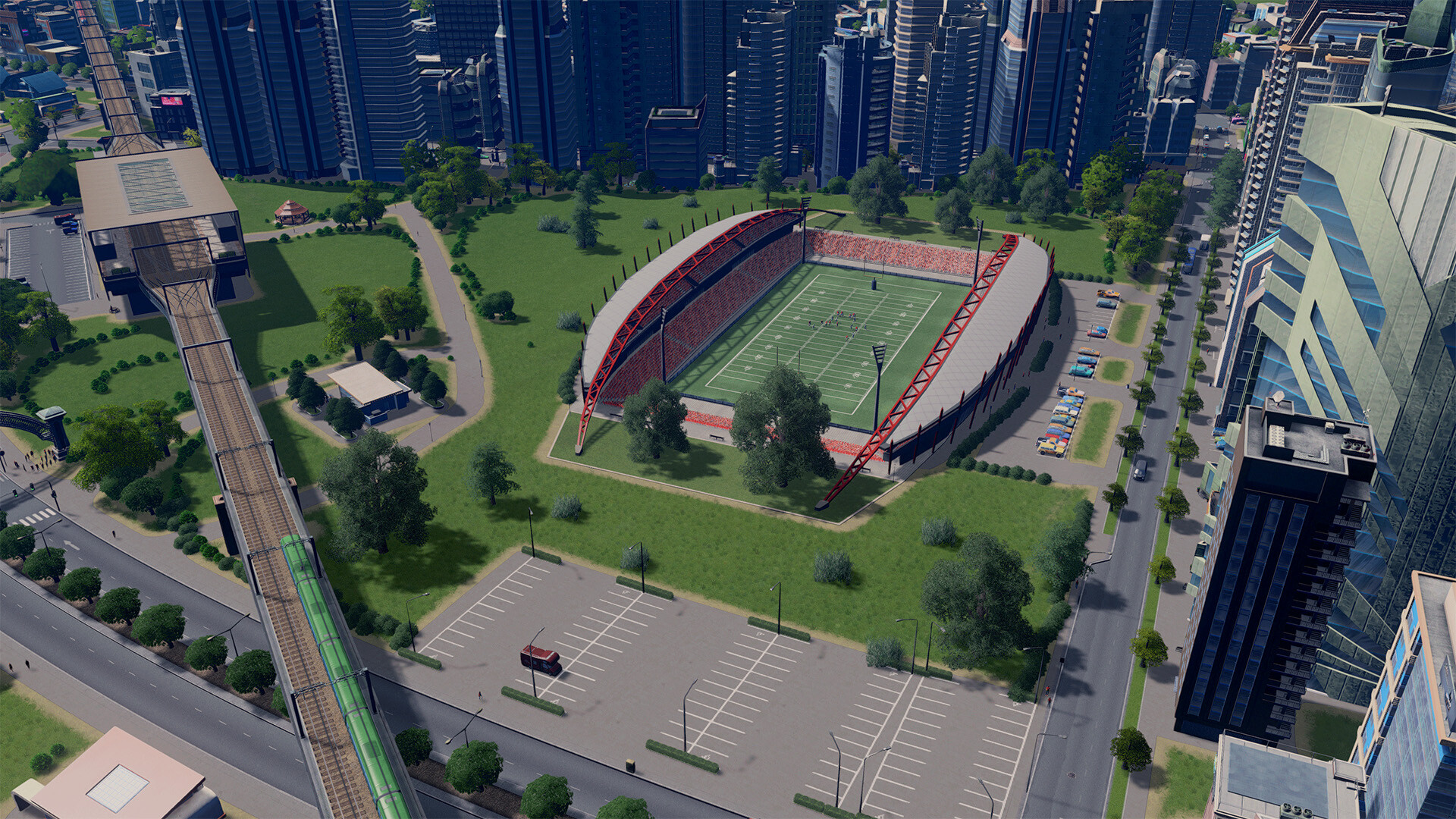
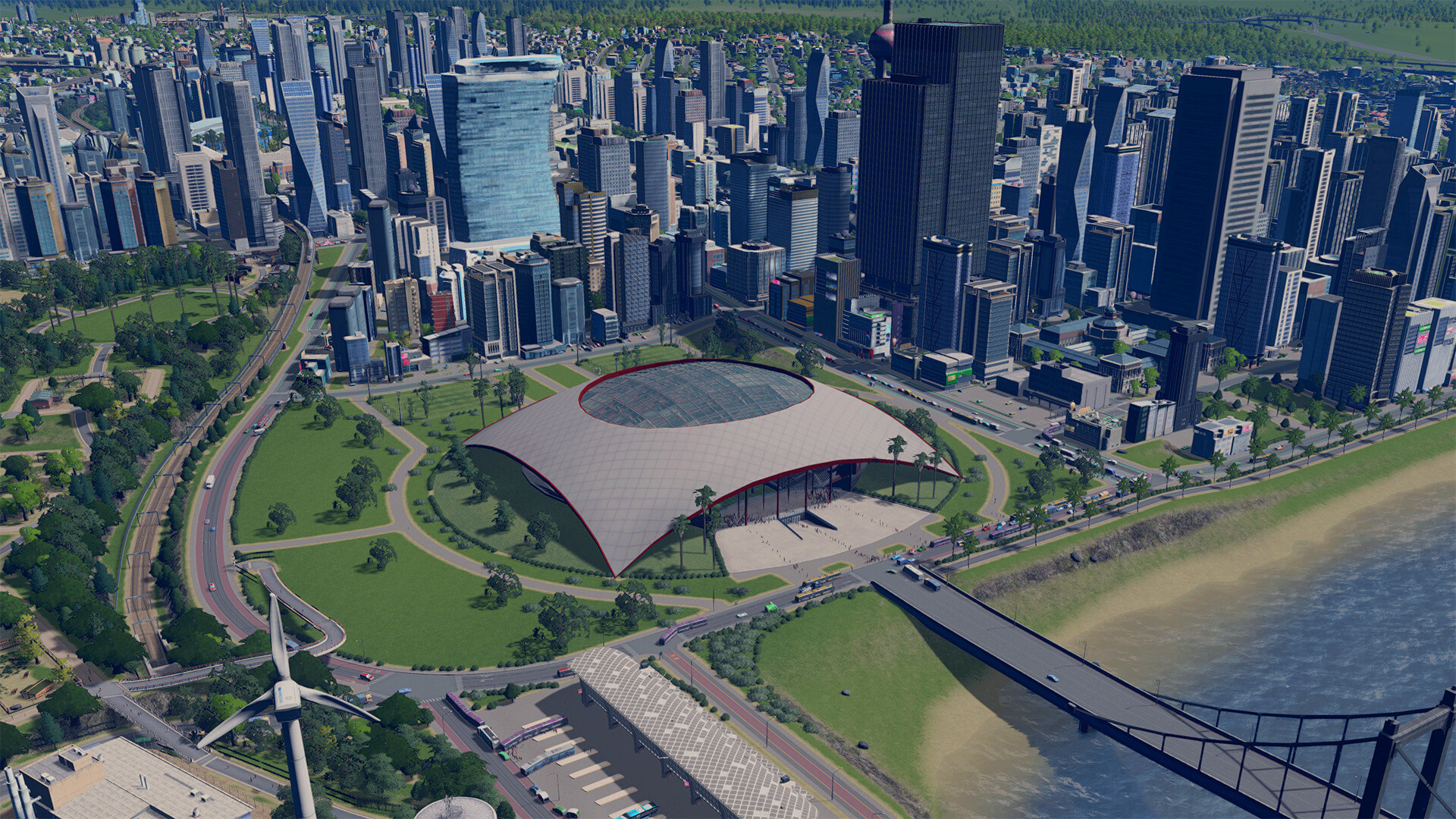
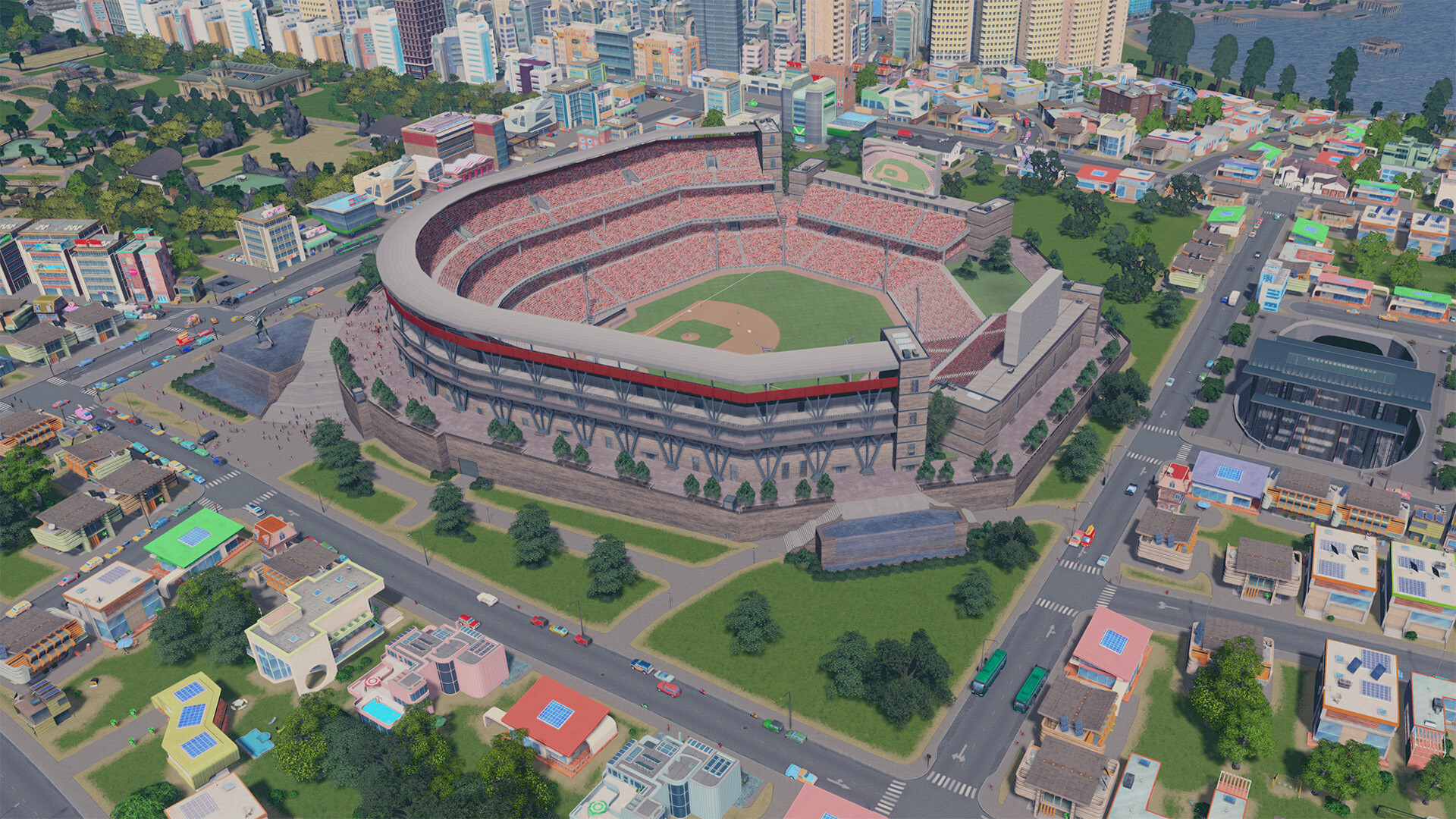
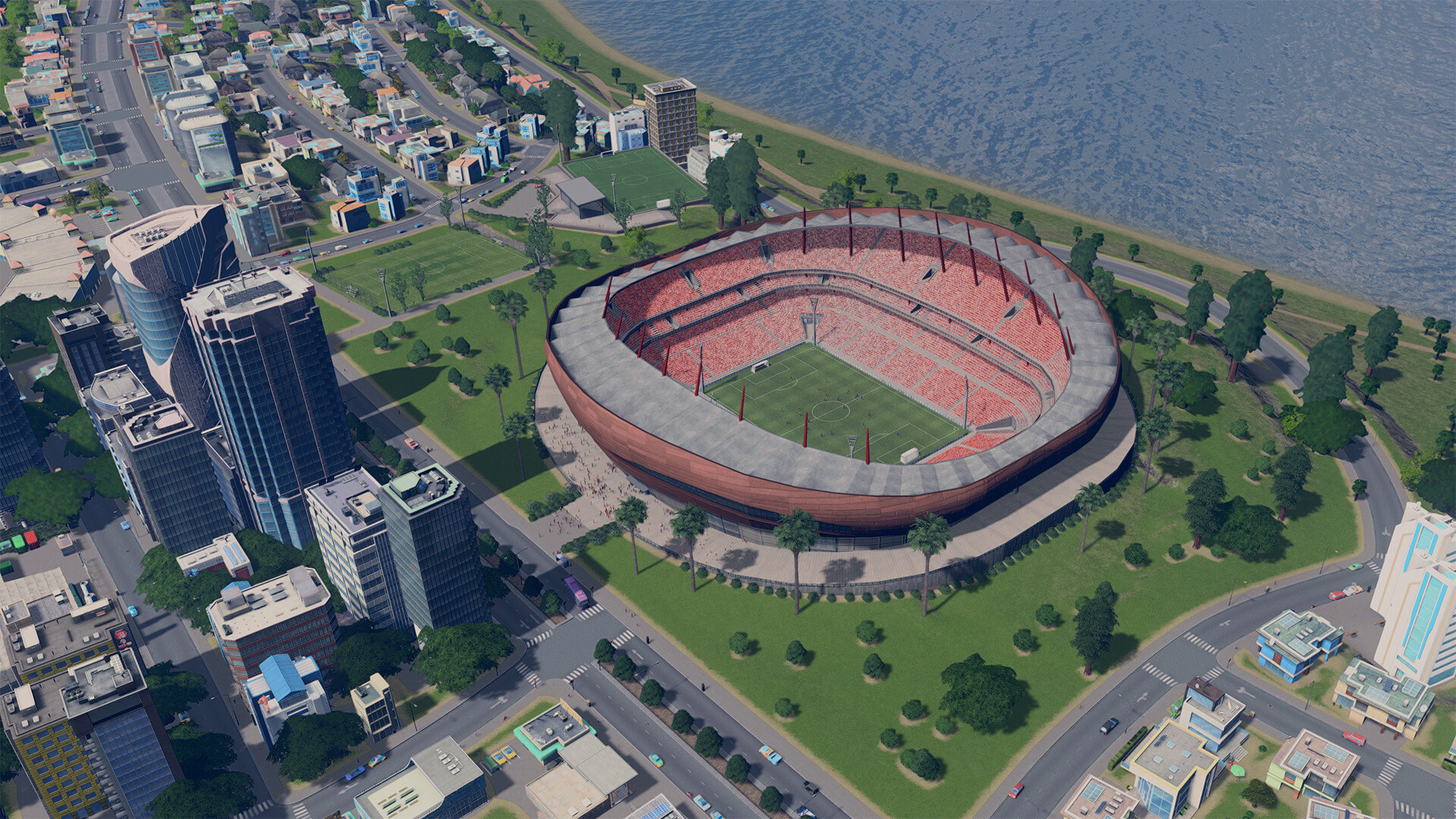
Sports season never ends with “Sports Venues”, a Content Creator Pack by community modder BadPeanut. From unique stadiums to community sports parks, this Content Creator Pack has everything you need to satisfy your City’s needs for sports! Watch your citizens enjoy their favorite match! All large stadiums have realistic football, baseball, and American football animation – plus some new cool stats for you to look at. Some of them also have built-in public transport options. Do you prefer smaller crowds? Try Community sports parks: they’re smaller and can be placed everywhere. Features 6 large unique stadiums (football, baseball, and American football) 6 Mid-sized unique stadiums 10 Community sports parks
Additional information

Developers
Publishers
Genres
Platform
Languages
Release date 2023-03-22
Steam Yes
Age rating PEGI 3
Regional limitations 3
Windows
Minimum: Requires a 64-bit processor and operating system OS: Windows® 7 64 Bit | Windows® 8.1 64 Bit | Windows® 10 Home 64 Bit Processor: Intel® Core™ I7 930 | AMD® FX 6350 Memory: 8 GB RAM Graphics: Nvidia® GeForce™ GTS 450 (1 GB) | AMD® R7 250 (2 GB) | Intel Iris Xe G7 (Tiger Lake) DirectX: Version 9.0c Network: Broadband Internet connection Storage: 4 GB available space
Linux
Minimum: Requires a 64-bit processor and operating system OS: Ubuntu 12.04 (64-bit) Processor: Intel Core 2 Duo, 3.0GHz or AMD Athlon 64 X2 6400+, 3.2GHz Memory: 6 GB RAM Graphics: nVIDIA GeForce GTX 260, 512 MB or ATI Radeon HD 5670, 512 MB (Does not support Intel Integrated Graphics Cards) Network: Broadband Internet connection Storage: 4 GB available space
Mac
Minimum: Requires a 64-bit processor and operating system OS: OS X 10.11 (64-bit) Processor: Intel Core 2 Duo, 3.0GHz Memory: 6 GB RAM Graphics: nVIDIA GeForce GTX 260, 512 MB or ATI Radeon HD 5670, 512 MB (Does not support Intel Integrated Graphics Cards) Network: Broadband Internet connection Storage: 4 GB available space
Go to: http://store.steampowered.com/ and download STEAM client Click "Install Steam" (from the upper right corner) Install and start application, login with your Account name and Password (create one if you don't have). Please follow these instructions to activate a new retail purchase on Steam: Launch Steam and log into your Steam account. Click the Games Menu. Choose Activate a Product on Steam... Follow the onscreen instructions to complete the process. After successful code verification go to the "LIBRARY" tab and start downloading.
Back to Top
Product has been added to your cart