
Product details
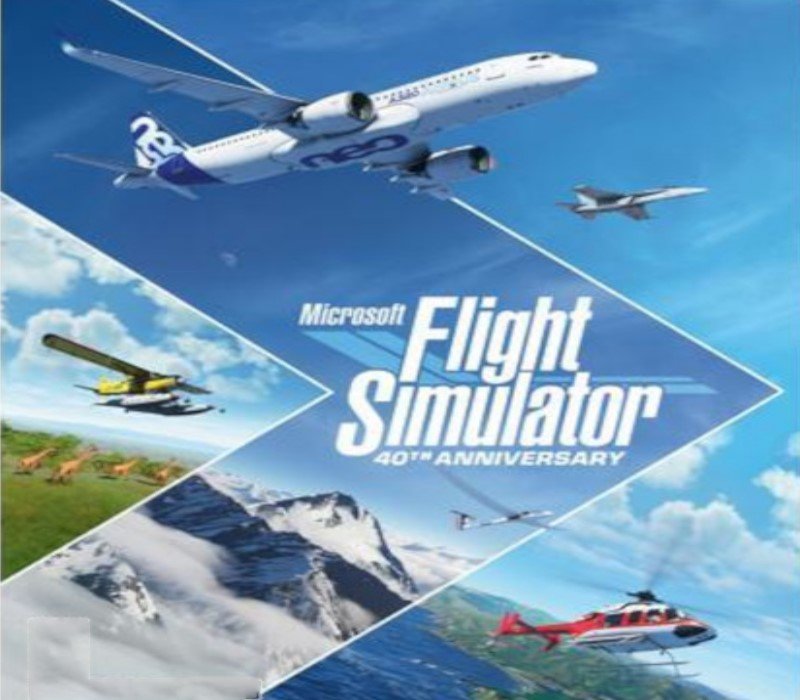
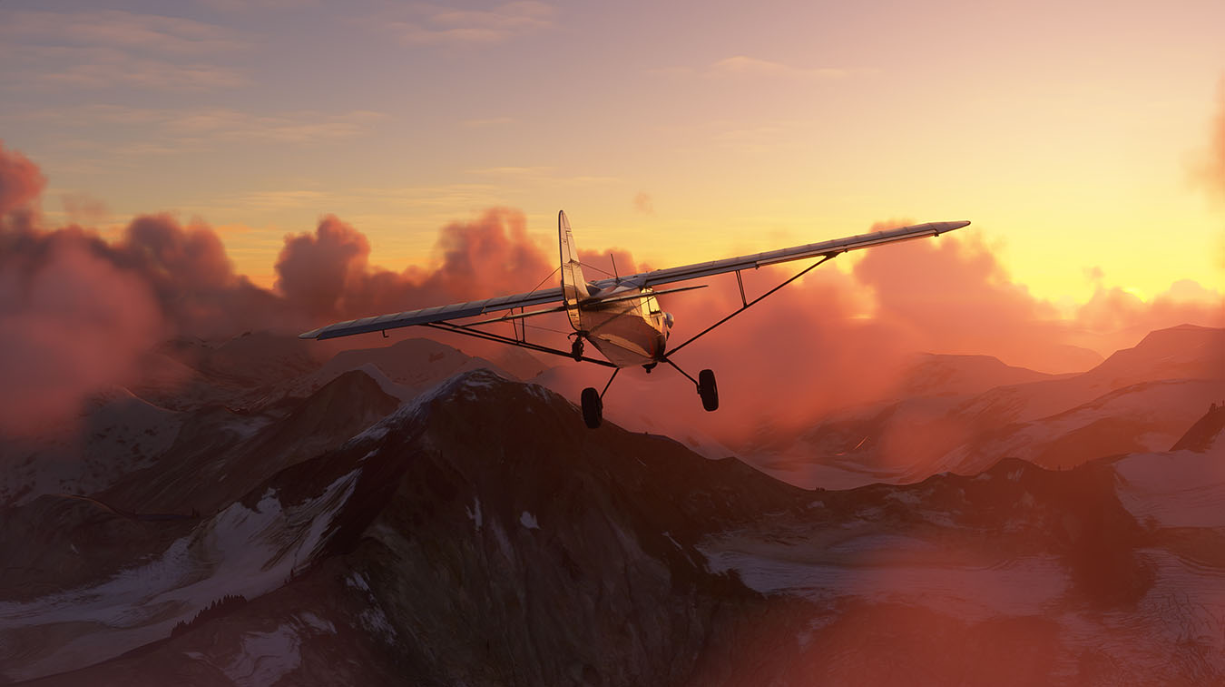
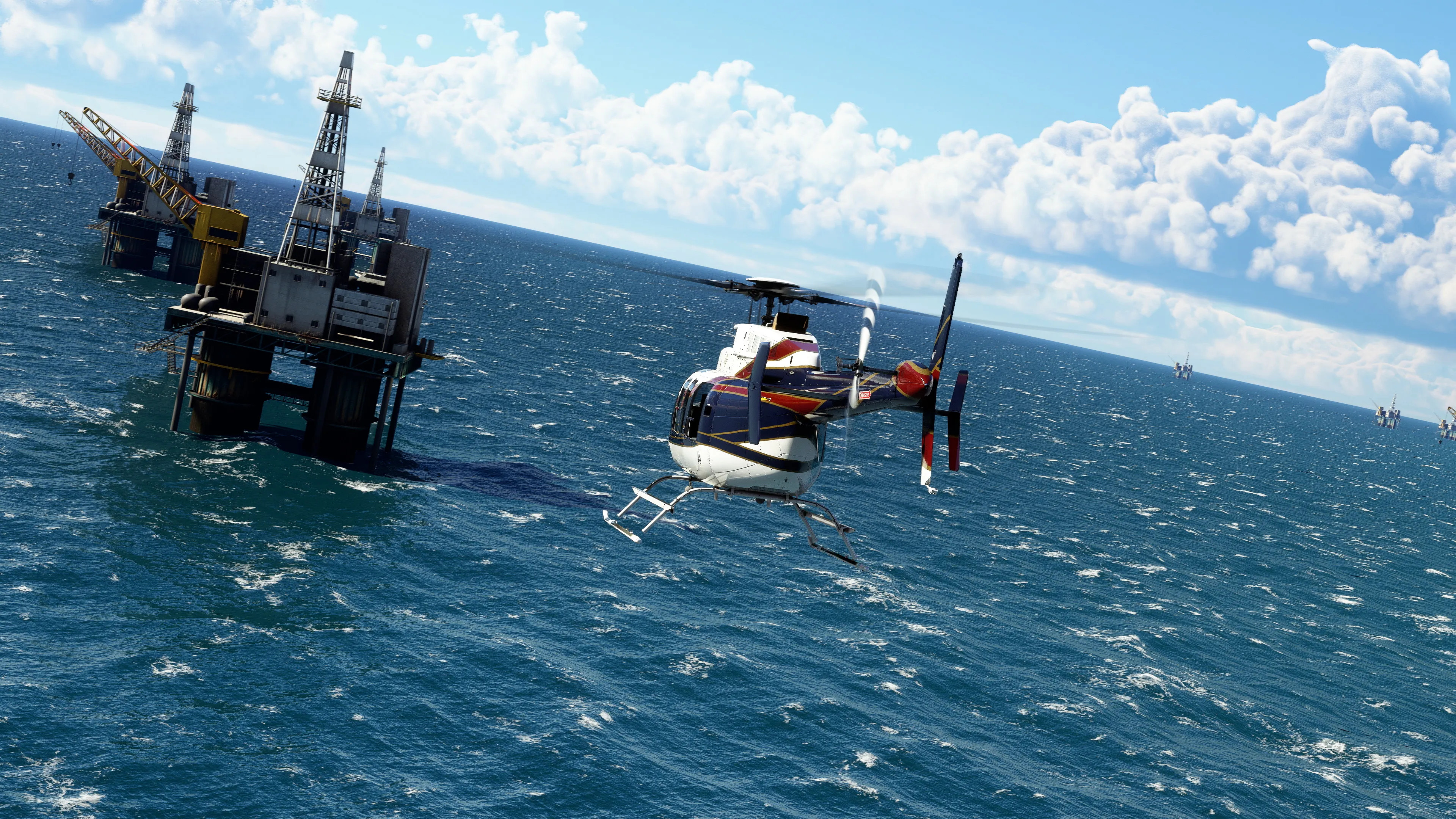
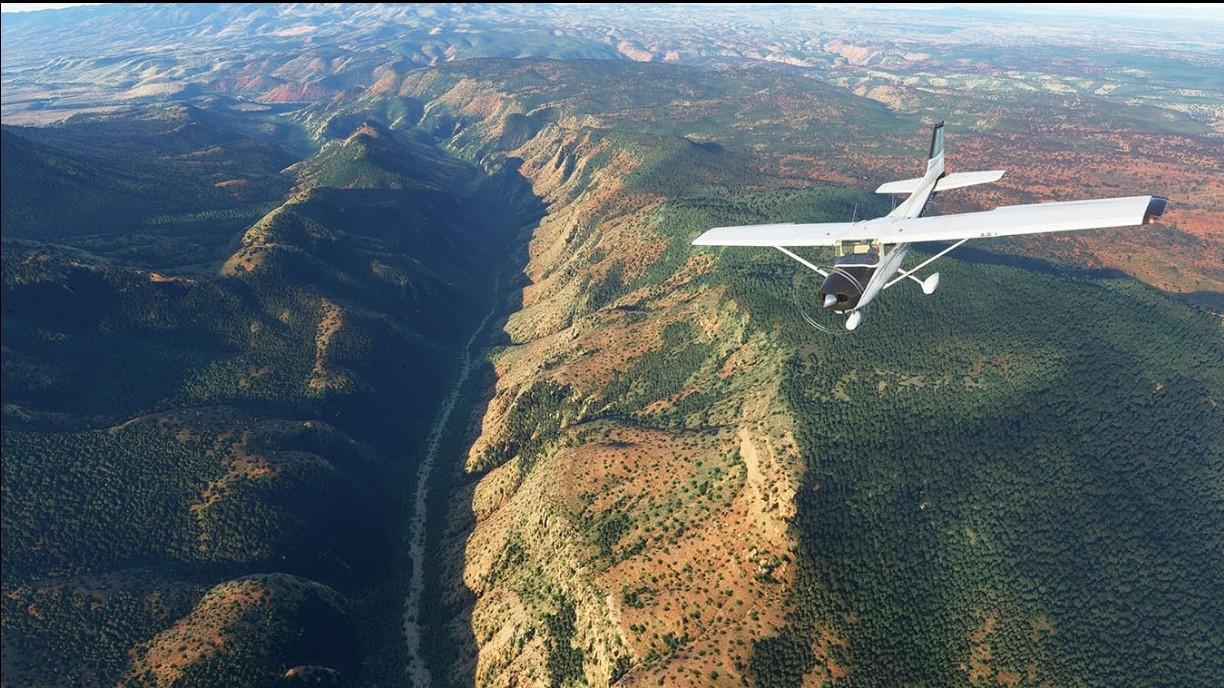
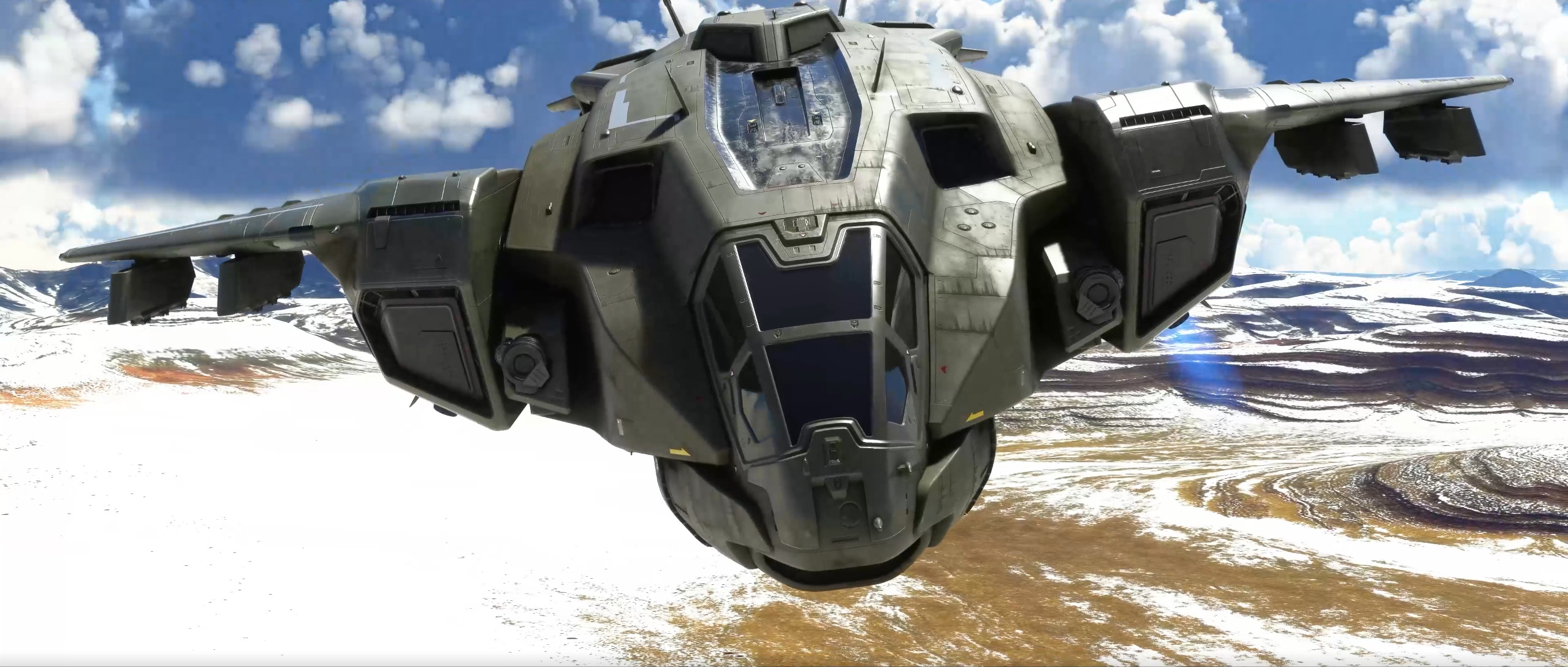
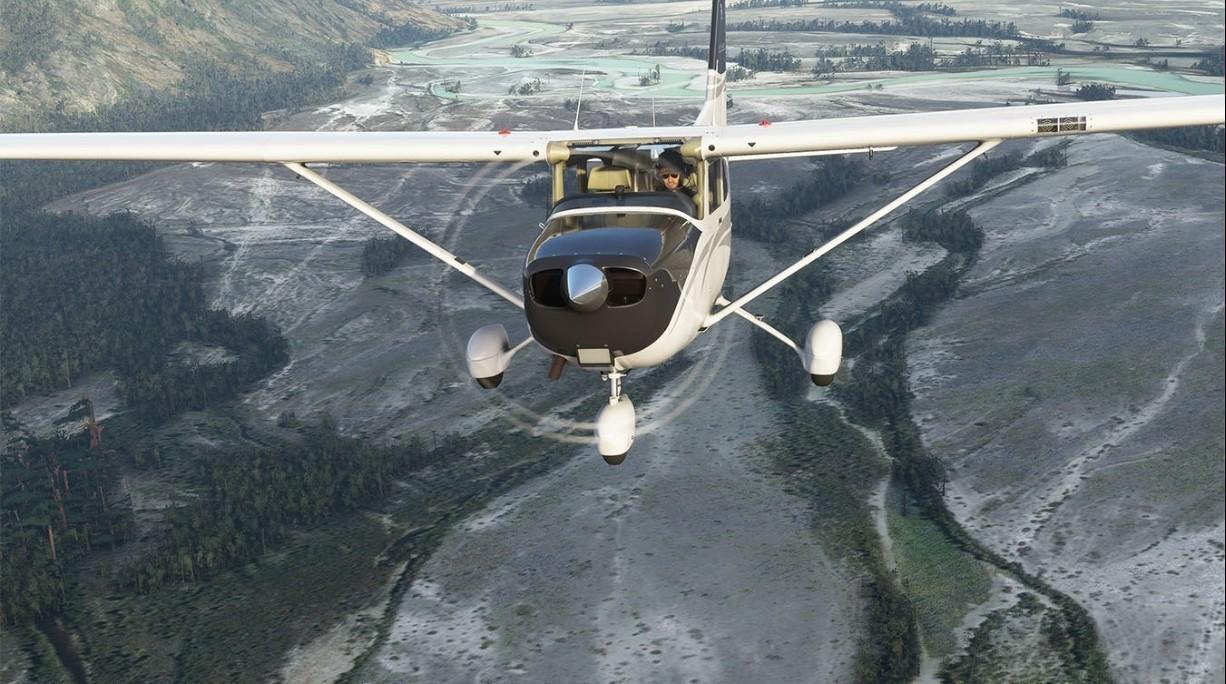
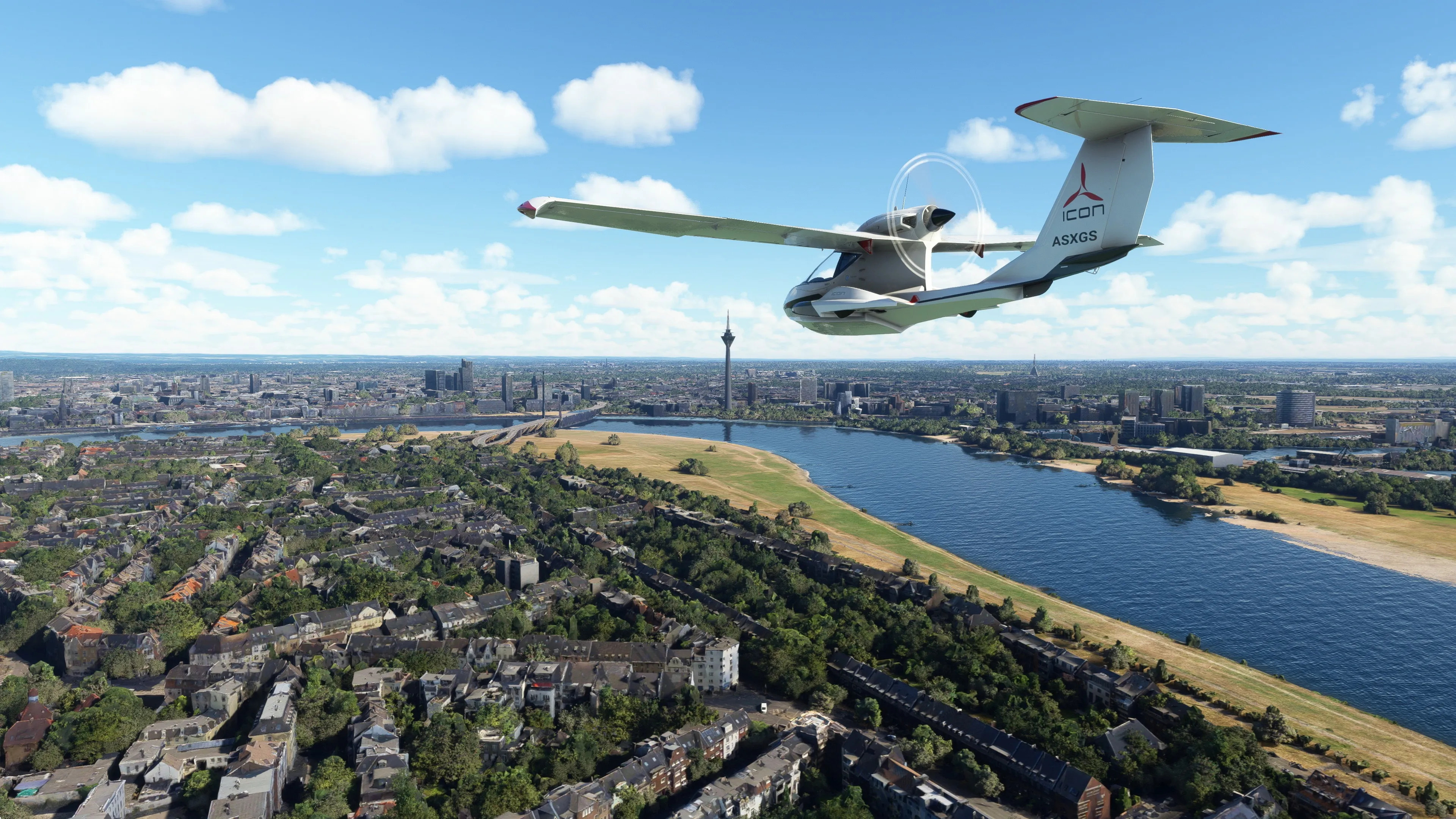
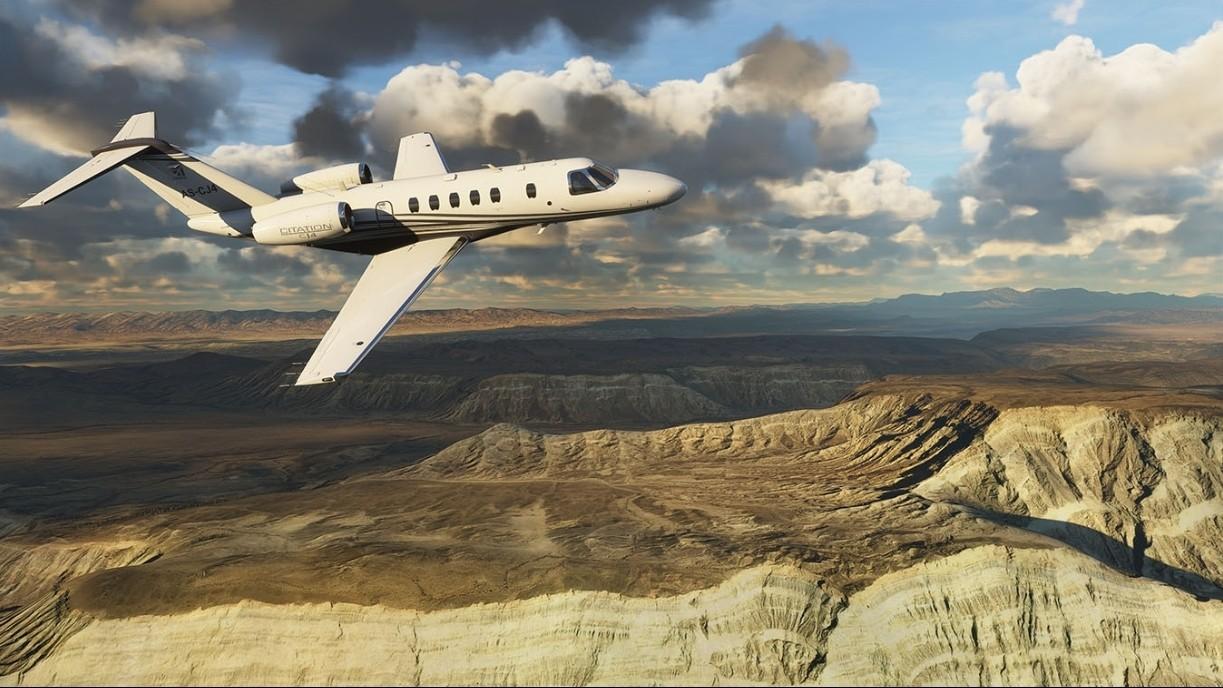
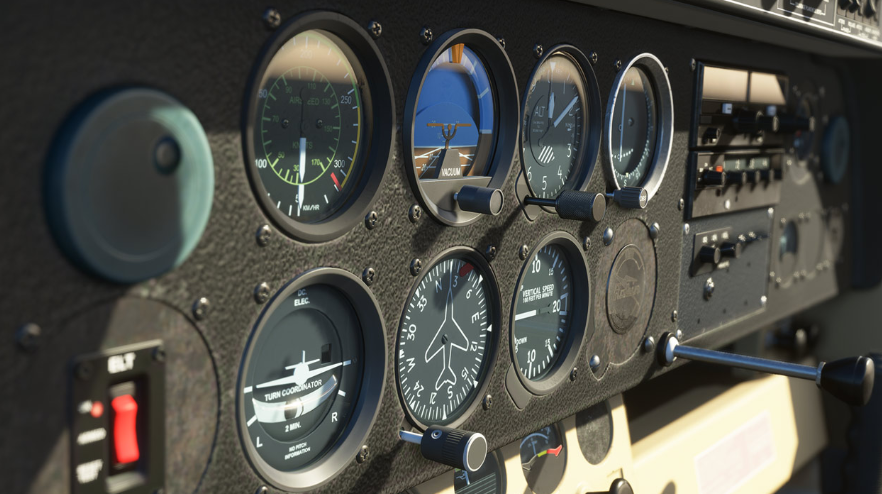
THE SKY IS CALLINGTake to the skies and experience the joy of flight in the next generation of Microsoft Flight Simulator. The world is at your fingertips. Here is just a small sampling of what simmers will find in the Microsoft Flight Simulator 40th Anniversary Edition: Historical Aircraft: Wright Flyer Ryan NYP (“Spirit of St. Louis”) Douglas DC-3 De Havilland Canada DHC-2-Beaver Helicopters: Bell-407 Guimbal Cabri G2 Gliders: DG Flugzeugbau LG8-18 DG Flugzeugbau DG1001E neo True-to-Life Airliner: Airbus A310 Features: Explore the WorldTravel the world in amazing detail with over 37 thousand airports, 2 million cities, 1.5 billion buildings, real mountains, roads, trees, rivers, animals, traffic, and more. Earn Your WingsHone your pilot skills in a variety of aircraft from light planes to commercial jets with an experience that scales to your level with interactive and highlighted instrument guidance and checklists. Test Your SkillFly day or night with live real-time weather including accurate wind speed and direction, temperature, humidity, rain, and lighting. From light planes to wide-body jets, fly highly detailed and accurate aircraft in the next generation of Microsoft Flight Simulator. Test your piloting skills against the challenges of night flying, real-time atmospheric simulation and live weather in a dynamic and living world. Create your flight plan to anywhere on the planet. The world is at your fingertips.HDR: HDR functionality available with supported games and TVs.